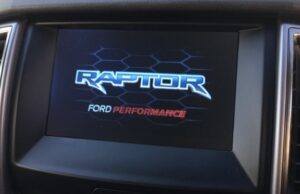

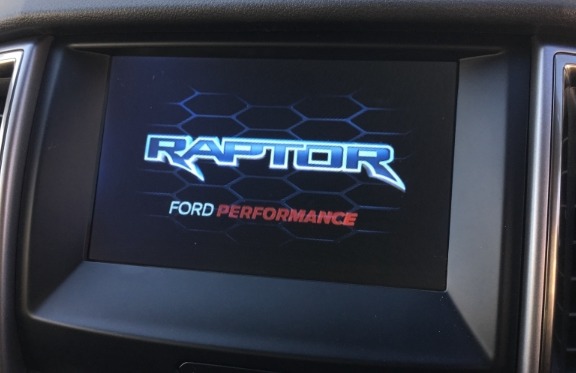
The Boot Screen Animations Sync Version 2 (Splash Screens) setting allows you to change the startup animation displayed by the Ford SYNC system.
For supported vehicles, the splash-screen configuration is located in the APIM As-Built configuration. Using FORScan, you can modify the relevant APIM configuration field and select a supported boot-screen animation.
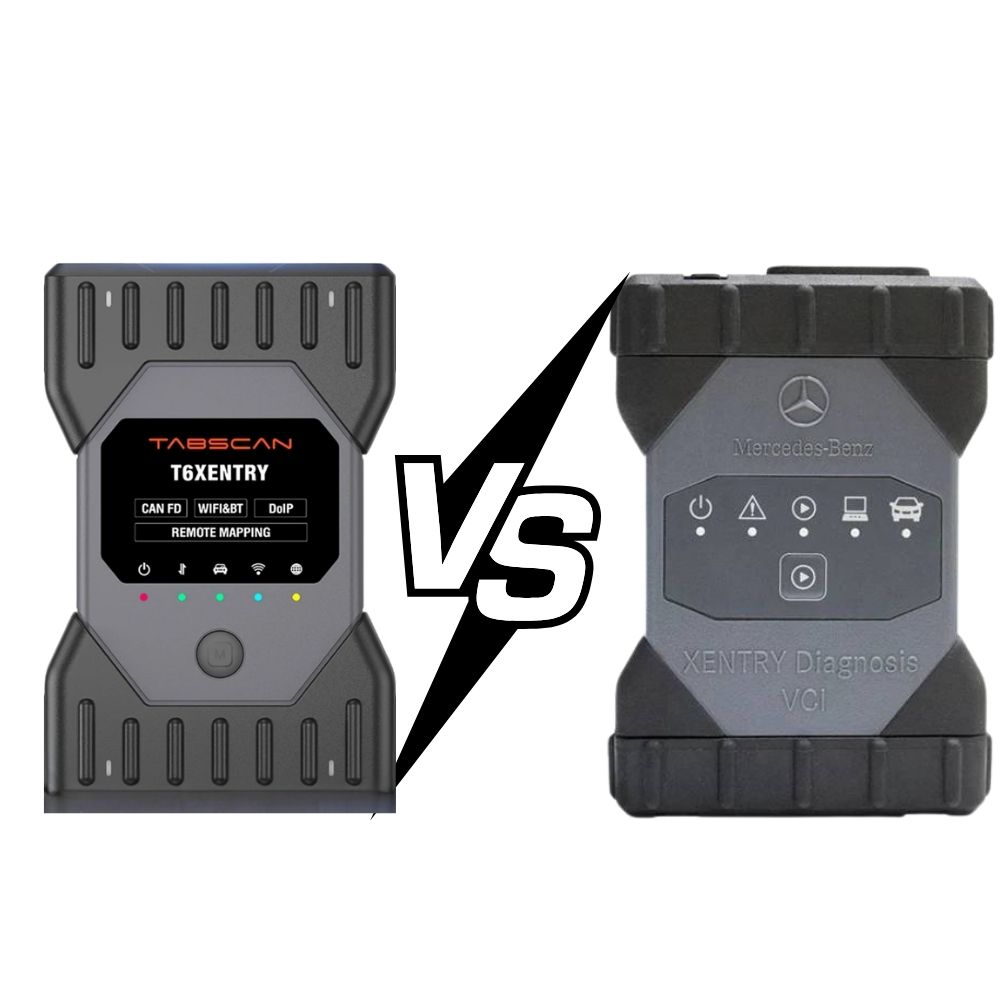
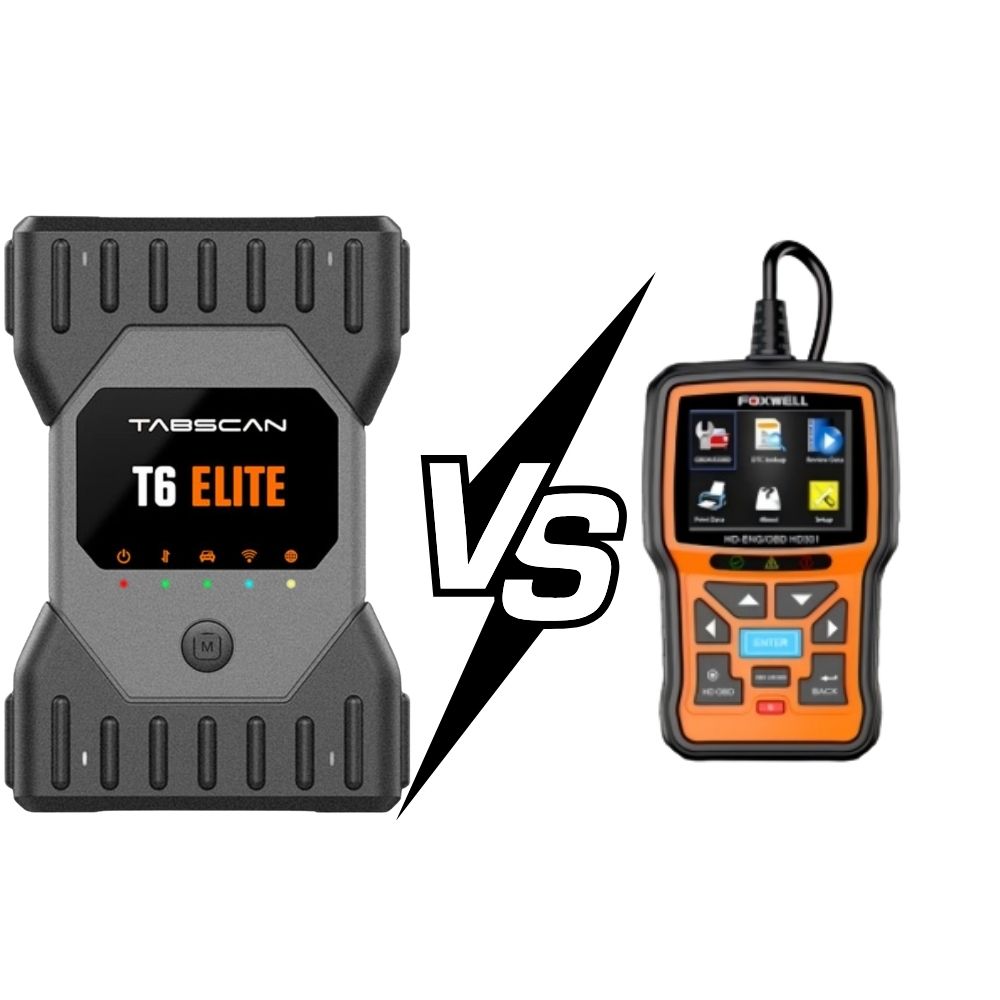
Connect the VCI diagnostic interface to your laptop and the vehicle.
Open FORScan and make sure the diagnostic interface can communicate with the vehicle.
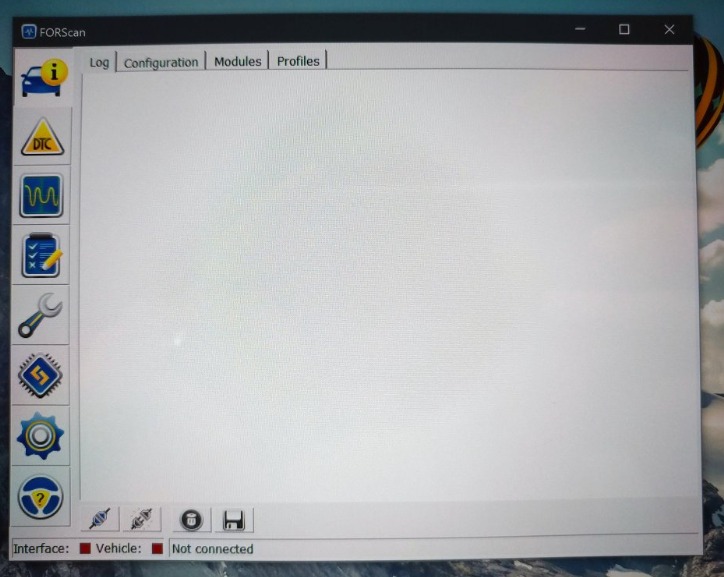
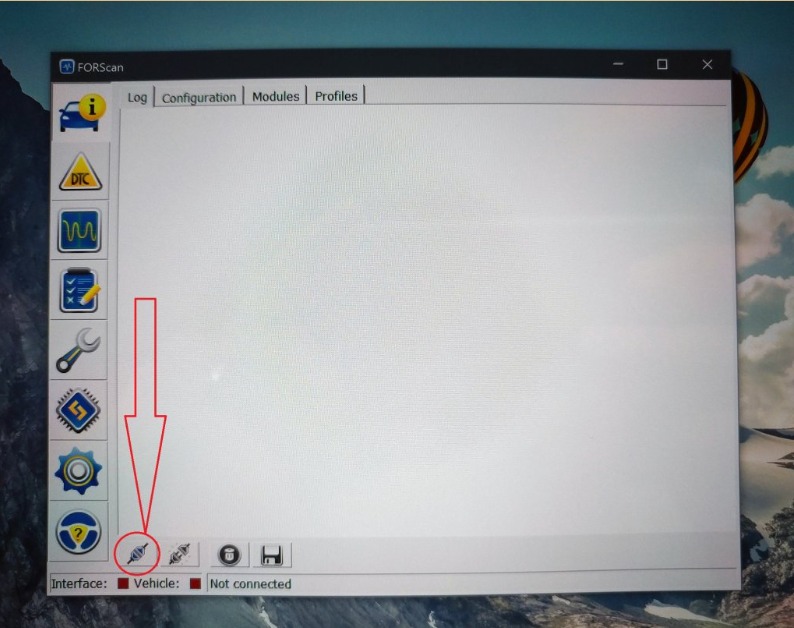
Connect FORScan to the vehicle.
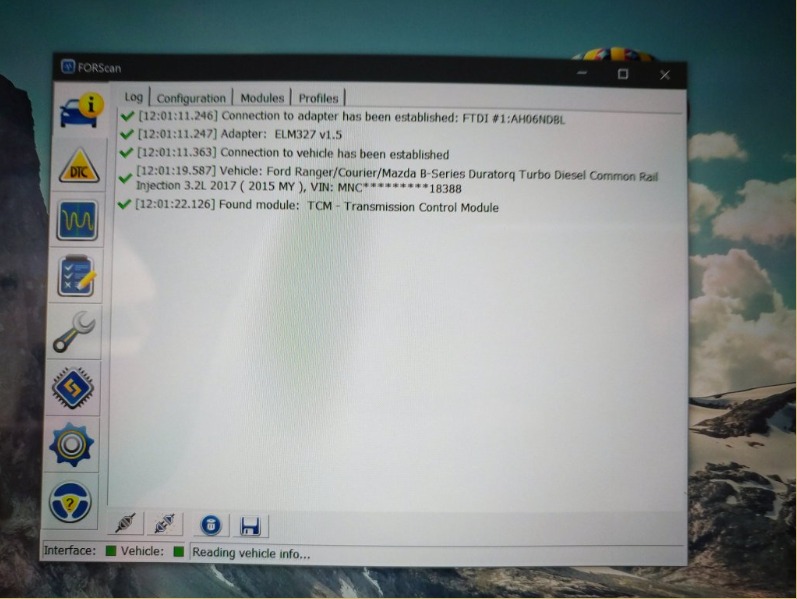
Allow the software to identify the vehicle and read its installed modules.
Before changing any As-Built value, save or record the original configuration so it can be restored if necessary.
From the FORScan main menu, select:
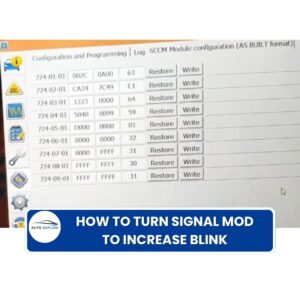
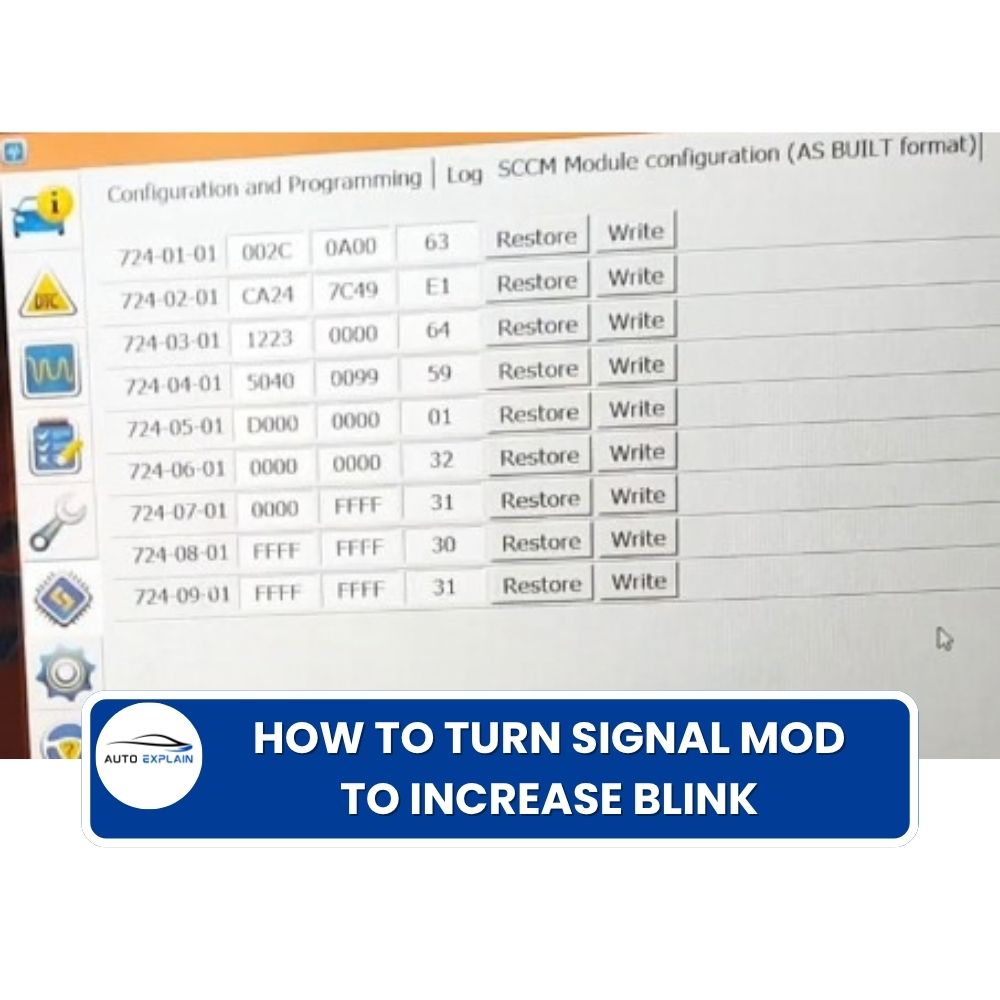
Configuration and Programming
This section provides access to the vehicle’s configurable module parameters.
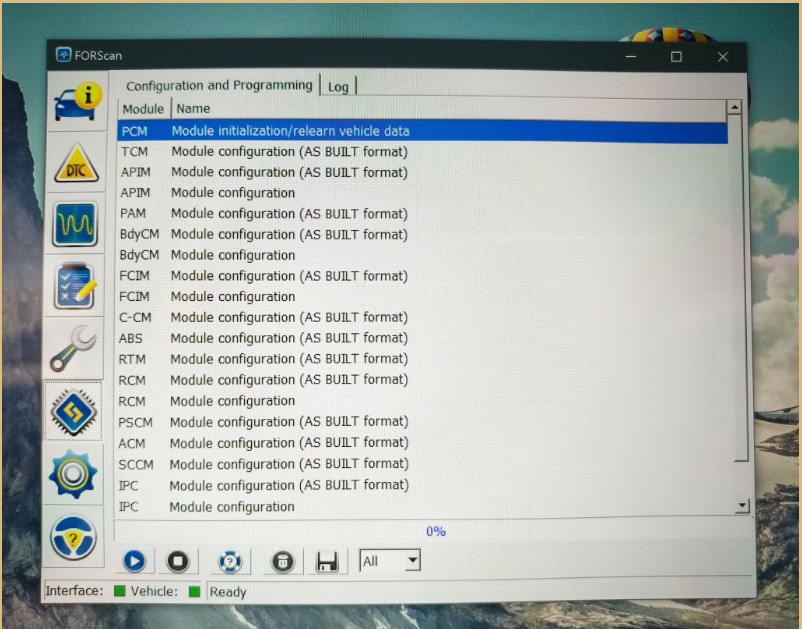
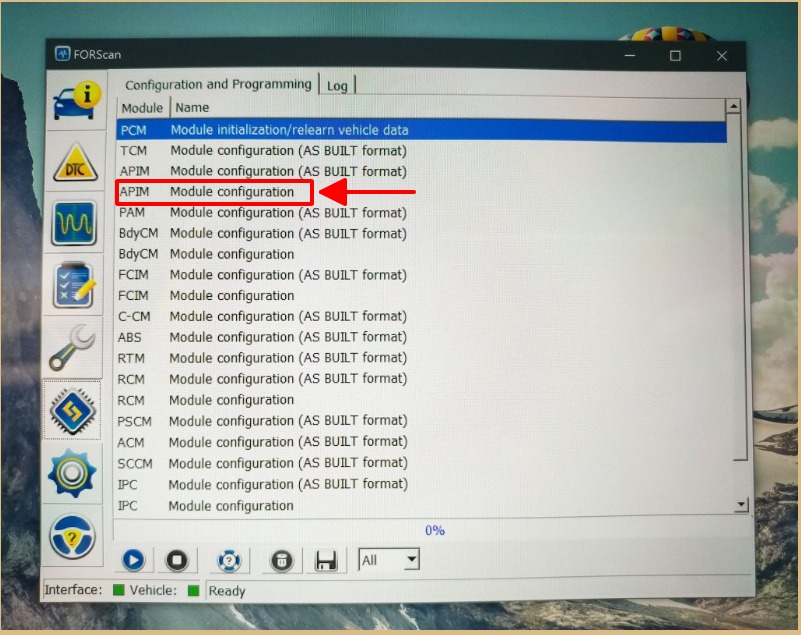
Select the APIM (Accessory Protocol Interface Module).
The APIM is the module associated with the SYNC infotainment system and its configuration.
For SYNC 2 systems, the splash-screen setting is documented under the APIM As-Built configuration.
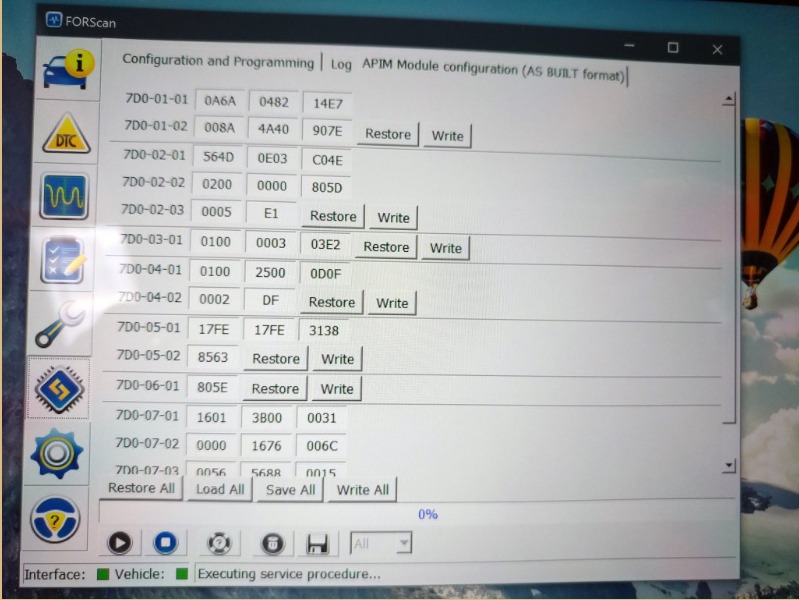
Locate the following As-Built address: 7D0-02-01
The relevant field is: 7D0-02-01: xxxx-xxXX-xxxx
This field is identified as: Boot Screen Animations Sync Version 2 (Splash Screens).
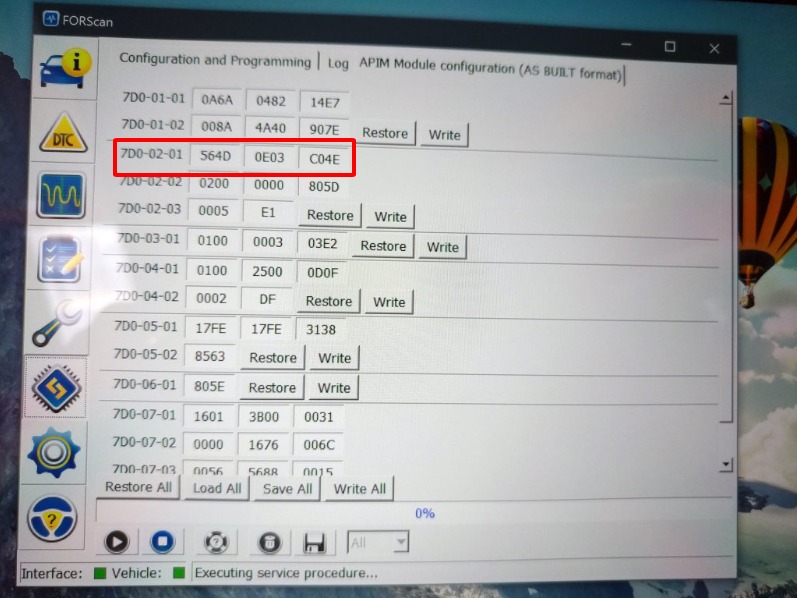
The available values depend on the supported APIM configuration.
Examples documented for this field include:
| Value | Boot Screen / Animation |
|---|---|
| 00 | Default / Not Programmed |
| 01 | Ford / Lincoln |
| 03 | Lincoln Black Label |
| 04 | Lincoln Presidential |
| 05 | Raptor |
| 06 | Non-Shelby Mustang |
| 07 | Shelby Mustang |
| 08 | Vignale |
| 09 | Shelby Mustang R1 |
| 0A | Revised Ford Welcome Animation Strategy |
| 0C | RS |
The exact availability can depend on the SYNC/APIM version and vehicle configuration.
For example, if the original value in the relevant field is: 01 and you want to select another supported animation, change only the corresponding field value while keeping the remaining As-Built data unchanged.
After confirming the new value, write the configuration to the APIM using FORScan.
Follow the software prompts and wait until the configuration process is completed.
Do not interrupt the vehicle or diagnostic connection during the write process.
After the configuration has been written, cycle the ignition or restart the SYNC system as required by the vehicle.
The selected boot animation should appear during the SYNC startup sequence if the configuration and SYNC software support the selected splash screen.
After successful configuration, the SYNC system displays the selected boot screen animation / splash screen during startup.
The available splash screens are not universal across all Ford vehicles. The result depends on the vehicle, APIM, SYNC generation, software/data version and installed configuration.

The Boot Screen Animations Sync Version 2 parameter is associated with the APIM / SYNC configuration.
However, compatibility should be checked against:
Therefore, the same As-Built value should not automatically be treated as a universal solution for every Ford vehicle.
The relevant configuration is located in the APIM (Accessory Protocol Interface Module) for the documented SYNC configuration.
The documented address is:
7D0-02-01
The relevant field is identified as Boot Screen Animations Sync Version 2 (Splash Screens).
Several splash-screen values are documented, including Ford/Lincoln, Raptor, Mustang, Shelby and Vignale options. Availability depends on the specific SYNC/APIM configuration.
No. Splash-screen compatibility depends on the SYNC generation, APIM configuration, software/data version and vehicle configuration.
Yes. Recording the original configuration provides a reference for restoring the vehicle if the modification does not work as expected.
Changing the Boot Screen Animations Sync Version 2 (Splash Screens) setting is an APIM configuration modification that can change the startup animation displayed by supported Ford SYNC systems.
The key configuration reference is APIM 7D0-02-01. Before making the change, verify the vehicle and SYNC configuration, save the original As-Built data, and use only a value appropriate for the specific system.
If you have questions about Ford SYNC 2 splash screens, APIM configuration, FORScan coding, or other hidden features, AutoExplain can provide technical guidance and remote support.
If you are not sure which configuration is compatible with your Ford, APIM, SYNC version, or vehicle configuration, contact us before making changes. We can help review the available information and determine the appropriate approach.
AutoExplain also provides remote Ford coding services for supported vehicles, including assistance with activating selected hidden features and configuring vehicle modules remotely.
Need technical support or remote coding service for your Ford?
Contact AutoExplain via WhatsApp: +1 (936) 289-6695.
Please provide your Ford model, model year, SYNC/APIM information, and the feature you want to activate so our technical team can better understand your request.