
The Turn Signal Mod to Increase Blink changes the number of times the turn signal flashes when the turn signal lever is lightly touched for a lane-change signal.
For example:
This modification can make the lane-change turn signal more convenient because the driver does not need to hold the turn signal lever for as long.
The Turn Signal Mod to Increase Blink is a configuration change related to the vehicle’s turn signal behavior.
Instead of using the default number of comfort-turn-signal flashes, the vehicle can be configured to provide a longer blink sequence when the turn signal lever is lightly touched.
The procedure below uses FORScan to access the vehicle configuration and modify the SCCM (Steering Column Control Module).
Before starting the coding procedure, prepare:
Automotive coding requirements can depend on the vehicle, module, software version, hardware, and diagnostic interface. Verify the vehicle configuration before writing changes.
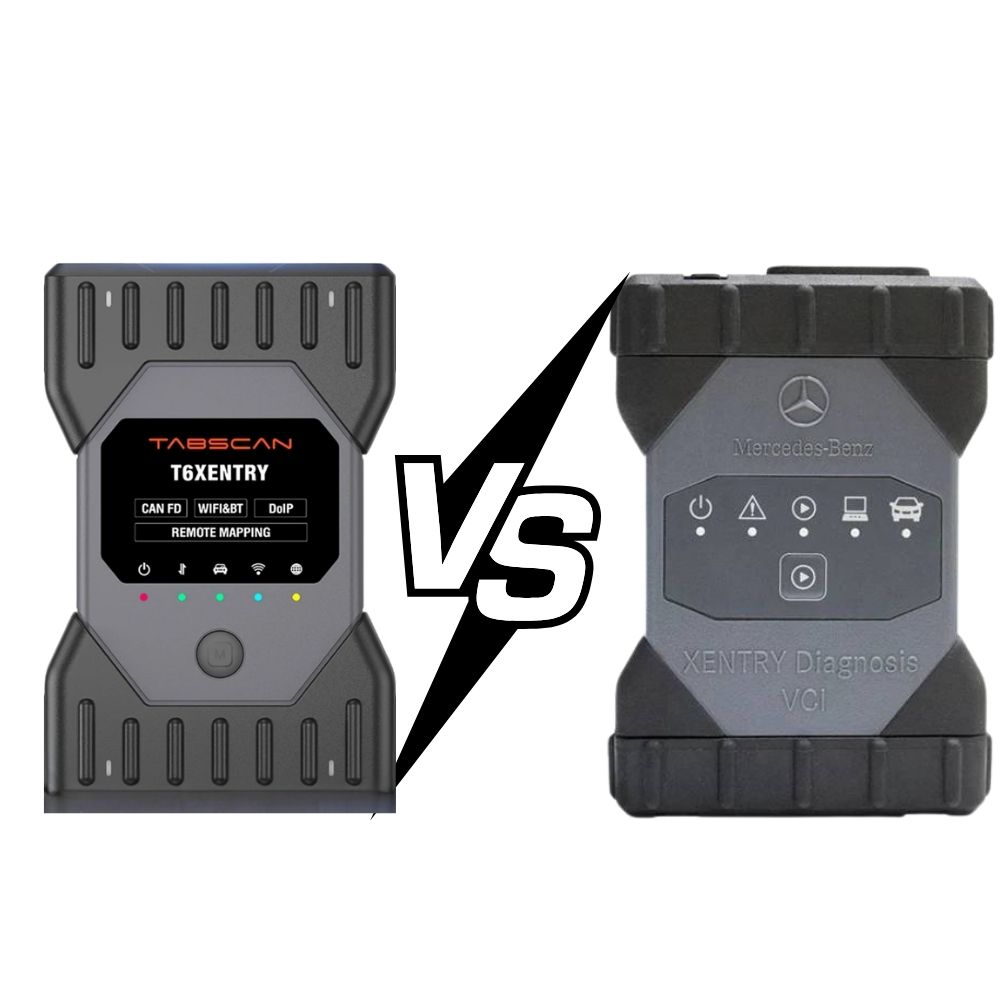
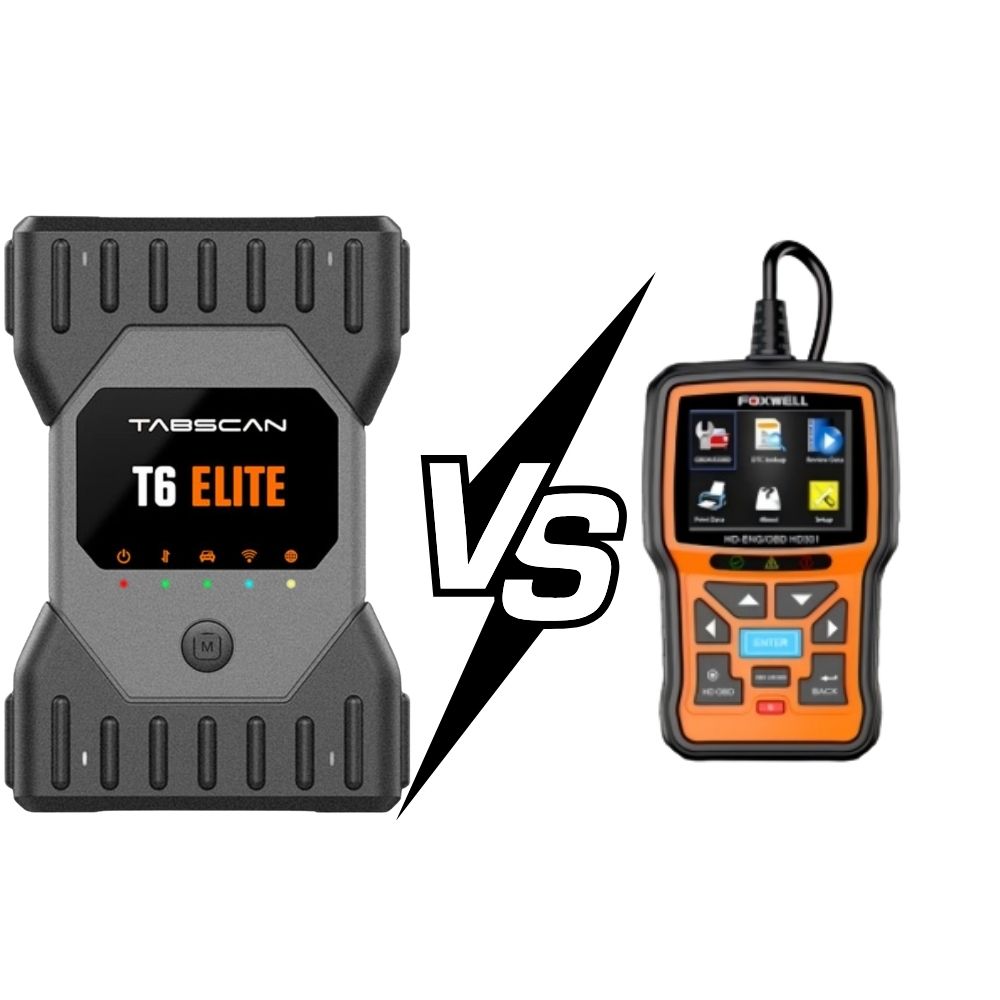
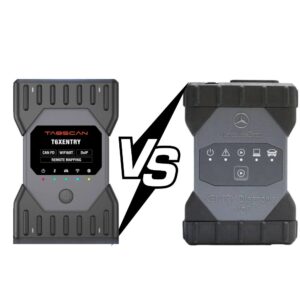
Connect the VCI to the laptop running FORScan and connect the VCI to the vehicle’s diagnostic port.
Make sure the diagnostic interface is communicating correctly with both the vehicle and FORScan.
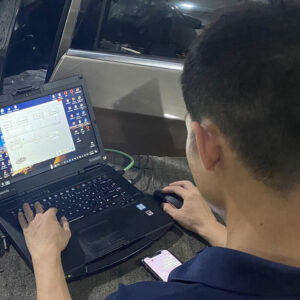
VCI connected to laptop and vehicle.
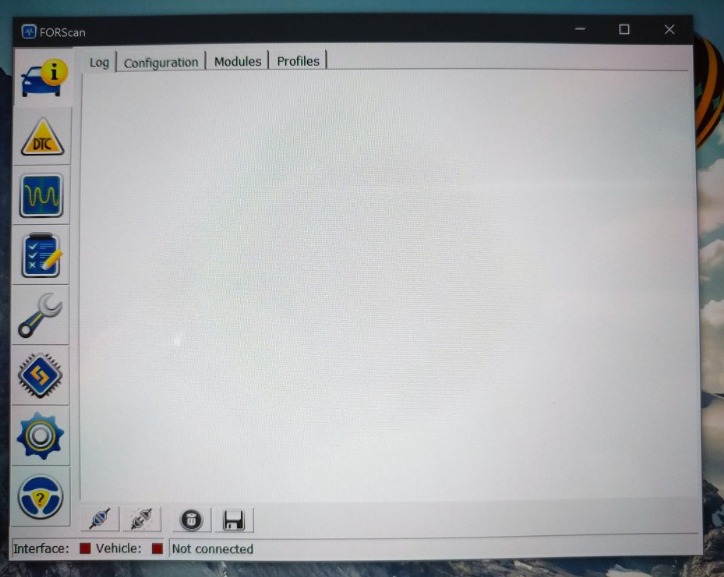
Open FORScan and establish a connection with the vehicle.
Allow FORScan to identify the vehicle and scan the available modules.
Wait until the vehicle scan is completed before continuing to the configuration section.
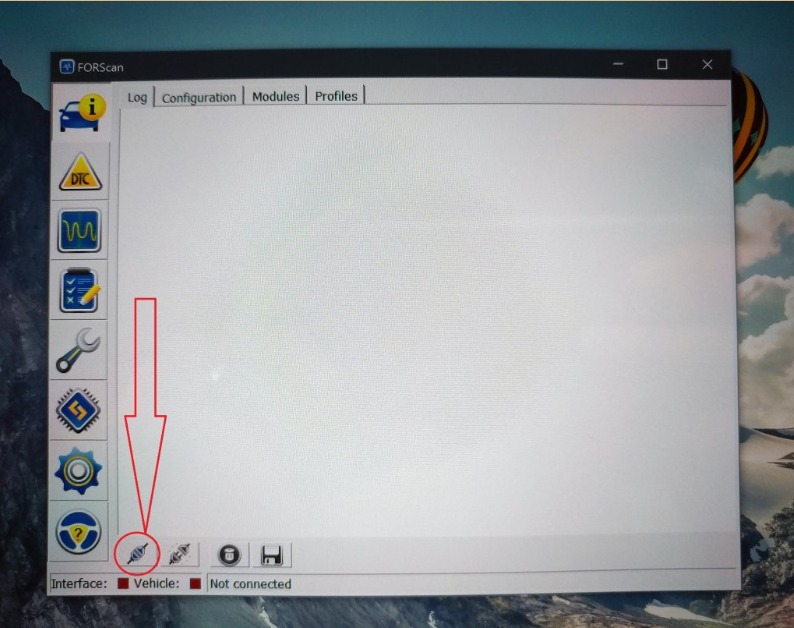
FORScan vehicle connection.
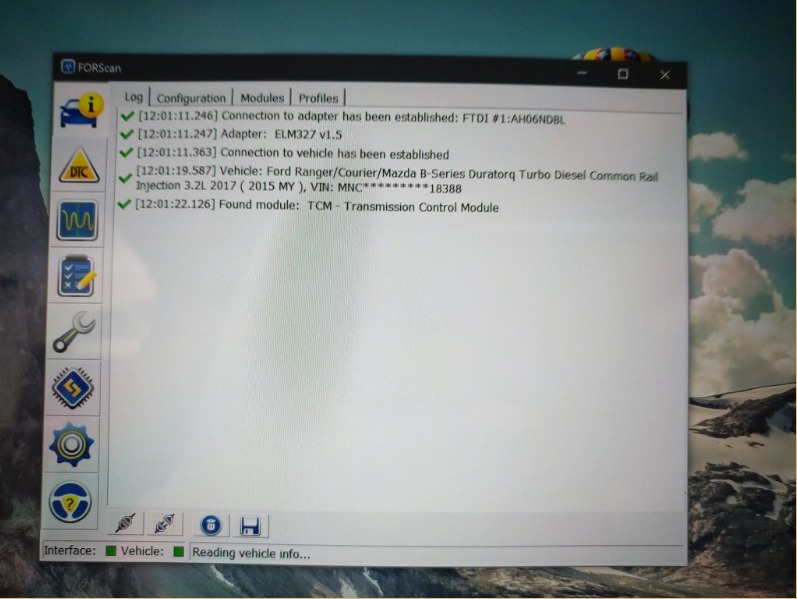
Vehicle scan and module list.
After the vehicle has been identified, select:
Configuration and Programming
This section is used to access supported module configuration functions.
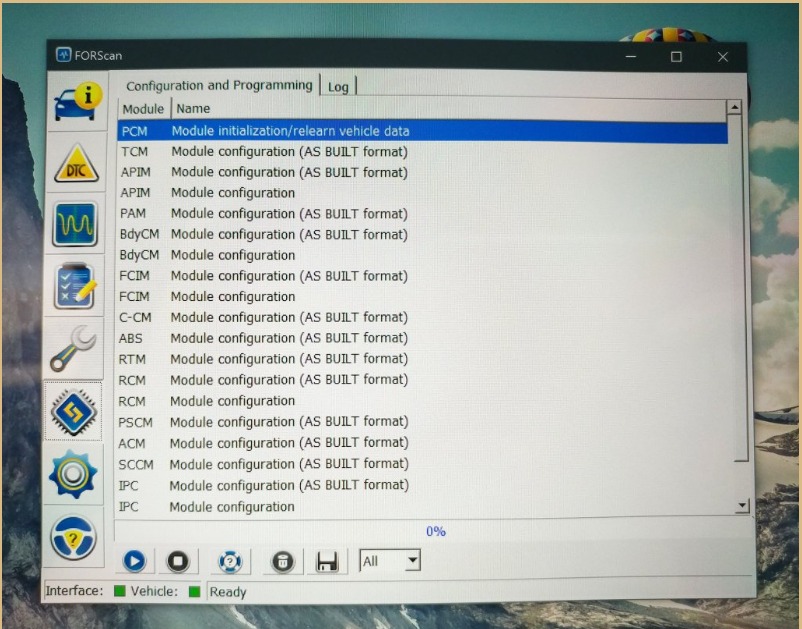
FORScan Configuration and Programming menu.
Select the:
SCCM – Steering Column Control Module
The SCCM is the module used in this procedure to modify the turn signal configuration.
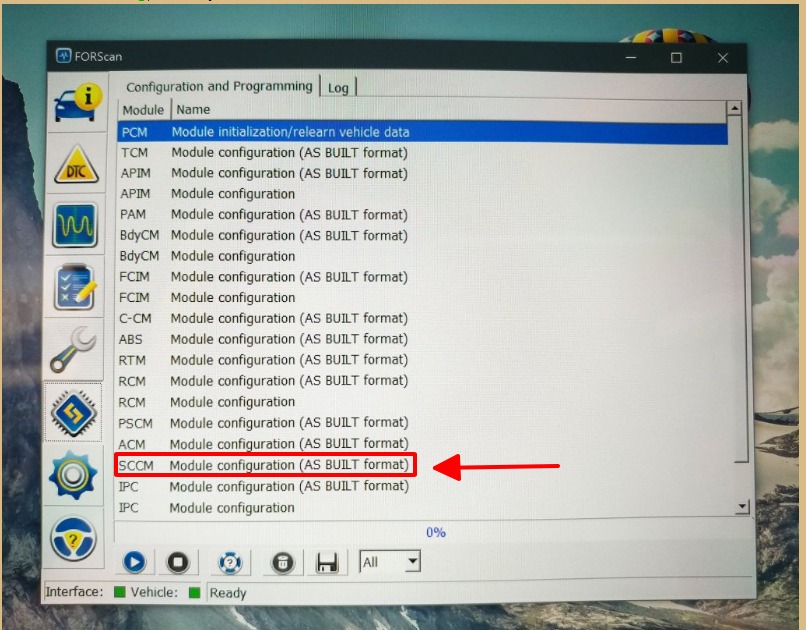
SCCM module selection in FORScan.
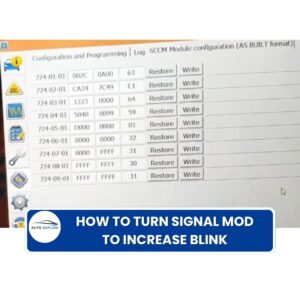
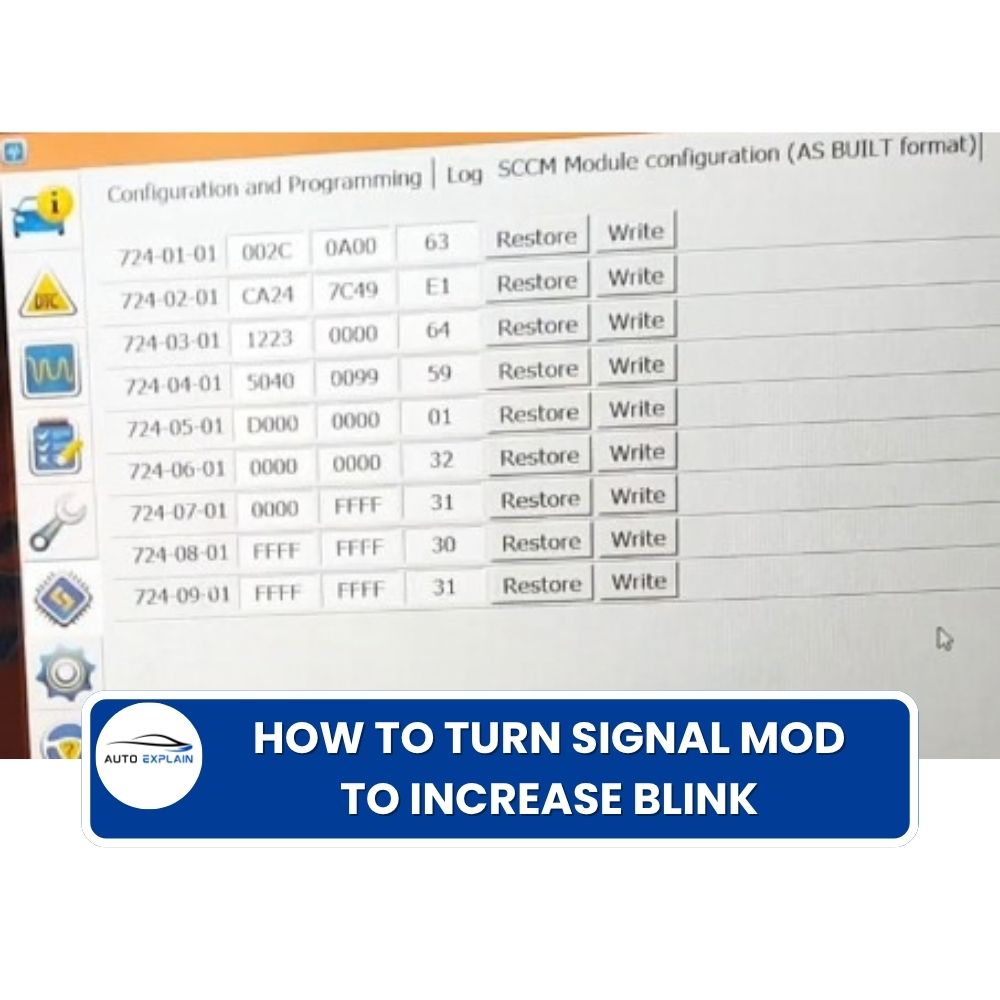
In the SCCM configuration, locate: 724-01-01
The supplied configuration change is:
Original: 002C-0600-5F
Change to: 002C-0A00-63
In other words: 724-01-01: 002C-0600-5F → 002C-0A00-63
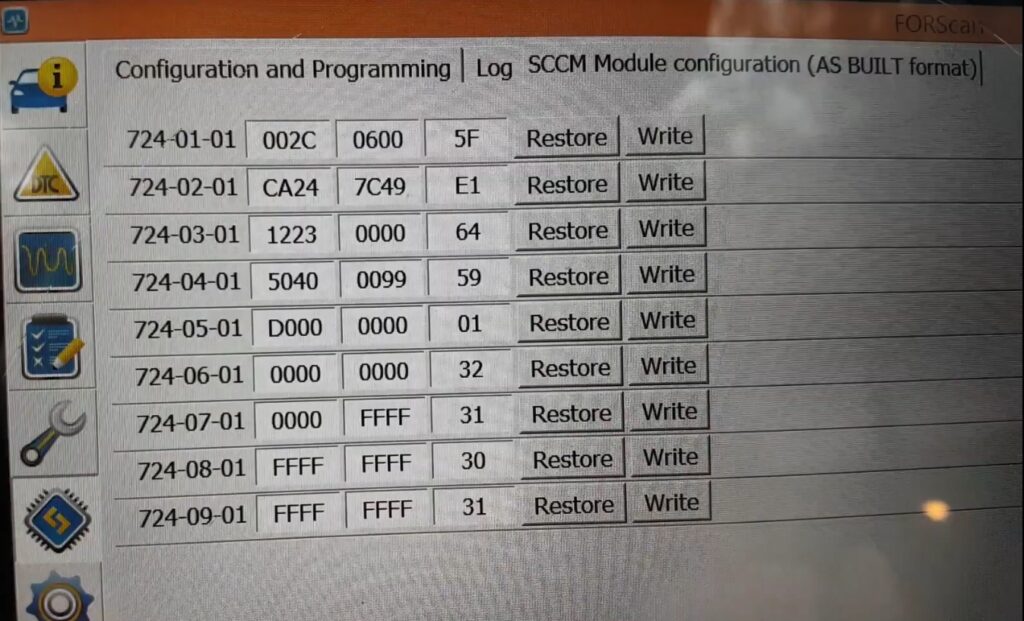
724-01-01 configuration value.
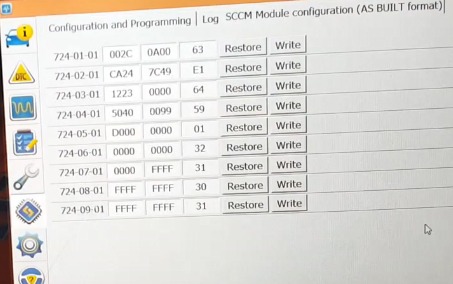
After entering the new value, use FORScan’s configuration-writing function to apply the change to the vehicle.
Follow the prompts shown by FORScan and wait for the programming/configuration process to finish.
Do not disconnect the VCI or interrupt the vehicle communication while the configuration is being written.
After the configuration has been successfully written, test the turn signal function.
Lightly touch the turn signal lever and check whether the blink count has changed from the original setting.
For the configuration described in this guide, the intended result is an increased comfort/lane-change blink sequence.
After the SCCM configuration is changed from: 002C-0600-5F to: 002C-0A00-63
the turn signal behavior should be modified from the default configuration to the increased-blink configuration described by this procedure.
Example:
Before: Light touch → 3 blinks
After: Light touch → 5 or 7 blinks
The exact behavior should be verified on the vehicle after programming.
The configuration value in this guide is provided for the specific coding procedure described above. It should not automatically be assumed to apply to every Ford vehicle or every SCCM configuration.
Before making a change, verify:
Programming requirements and risks can depend on the vehicle, ECU/module, software version, power supply, and programming interface.
It is also recommended to record the original configuration before making changes so the previous setting can be referenced if the configuration needs to be restored.
It changes the number of flashes produced when the turn signal lever is lightly touched for a lane-change signal.
The example covered in this guide uses 3 blinks as the default behavior.
The supplied procedure describes an increased-blink configuration, with 5 or 7 blinks given as examples. The actual result should be verified on the specific vehicle.
The procedure uses the SCCM (Steering Column Control Module).
The procedure changes: 724-01-01 from: 002C-0600-5F to: 002C-0A00-63
Not necessarily. Module configuration can vary by vehicle model, model year, hardware, software version, and existing configuration. Compatibility should be checked before programming.
AutoExplain provides remote technical support for supported automotive coding, programming, diagnostic, and hidden-feature tasks. Service availability depends on the vehicle, module, software, hardware, service type, and remote connection conditions.
The Turn Signal Mod to Increase Blink is a Ford configuration modification that changes the comfort or lane-change turn signal behavior. Using FORScan, the procedure described in this guide accesses the SCCM and changes configuration address 724-01-01 from 002C-0600-5F to 002C-0A00-63.
Because module configurations can vary between vehicles, always verify the vehicle and existing SCCM configuration before writing changes.
If you need help checking the correct configuration, understanding the SCCM coding procedure, or activating supported Ford hidden features remotely, contact AutoExplain for technical guidance and remote coding support.
WhatsApp: +1 (936) 289-6695
When contacting AutoExplain, provide your Ford model, model year, relevant module information, and the feature you want to activate so the technical team can better assess the request.