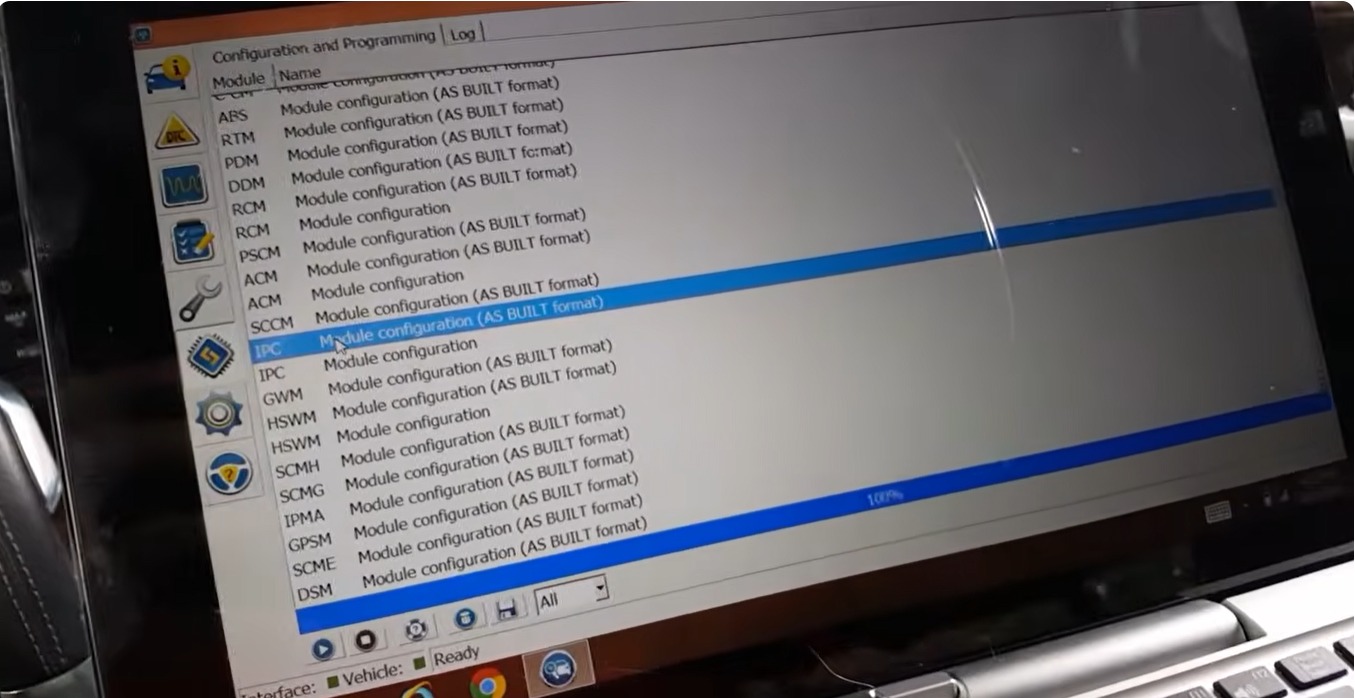

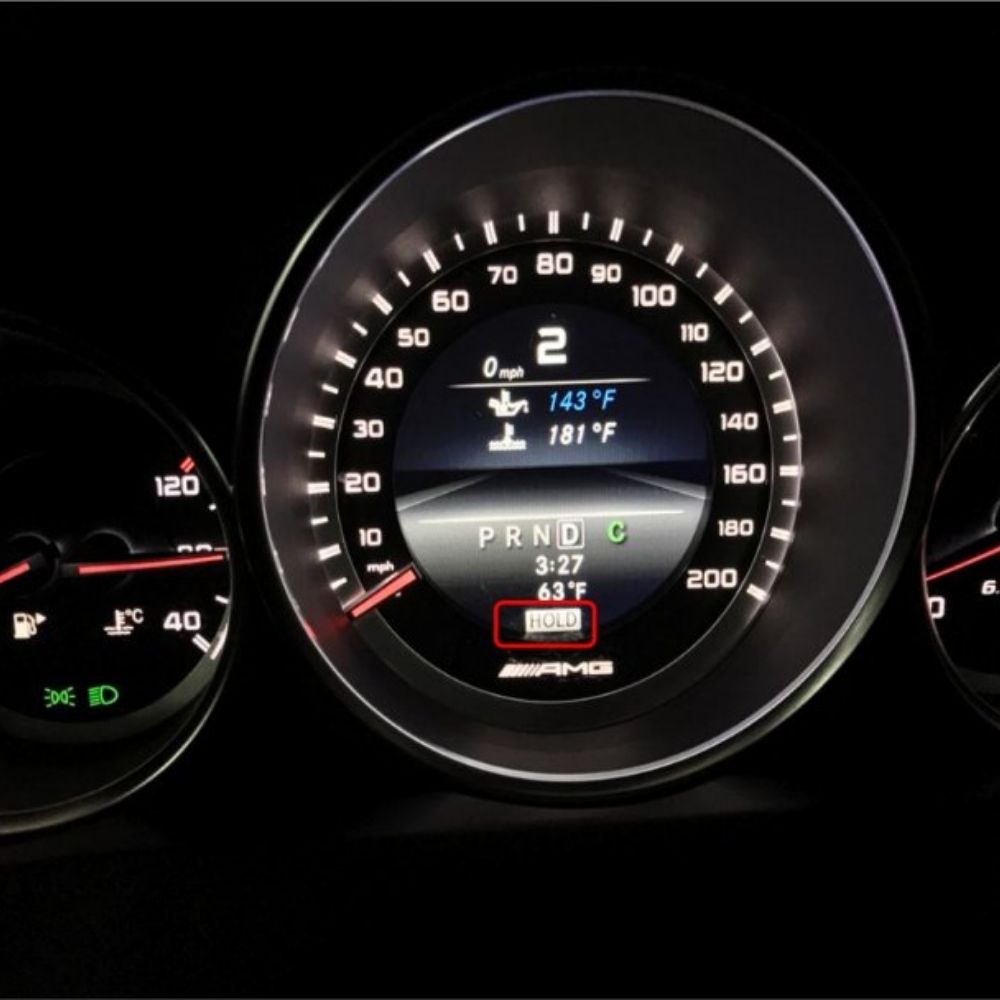
How to activate brake hold Mercedes is a common question among Mercedes technicians and retrofit specialists who want to unlock advanced comfort and safety features that are disabled from factory. The Mercedes Brake Hold Function (also known as Auto Hold) automatically maintains braking pressure when the vehicle comes to a complete stop, allowing the driver to release the brake pedal without the car rolling forward or backward.
On the Mercedes W212, this function is usually present in the control modules but not activated by default due to market or configuration restrictions. In this guide, AutoExplain will explain how to safely activate the Mercedes Brake Hold Function using DTS Monaco, focusing on correct variant coding to ensure stable operation without hardware modifications.
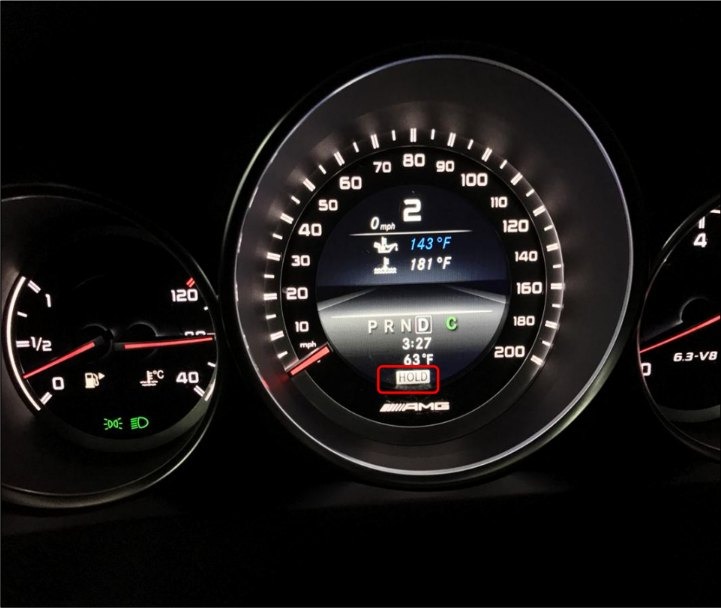
The Brake Hold Function (also known as Auto Hold) is a driver-assistance feature designed to automatically maintain braking pressure when the vehicle comes to a complete stop. Once activated, the system keeps the brakes engaged without the need to continuously press the brake pedal.
Brake Hold typically works in combination with the ABS, ESP, and electronic braking systems. When the vehicle stops—such as at traffic lights, in stop-and-go traffic, or on an incline—the system holds the vehicle securely in place. The brakes are automatically released when the accelerator pedal is pressed.
On Mercedes vehicles, including the W212, the Brake Hold function is often integrated into the braking control modules but may be deactivated from the factory depending on market regulations or vehicle configuration.
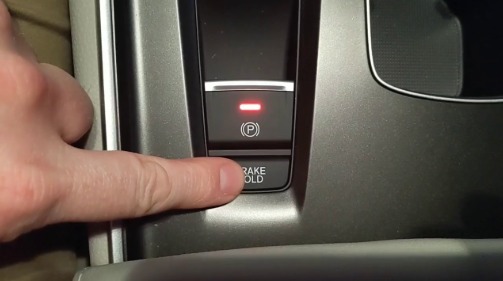
Activating the Mercedes Brake Hold Function provides several practical and safety-related benefits, especially in urban driving conditions:
Brake Hold eliminates the need to keep pressing the brake pedal while stopped, reducing driver fatigue in heavy traffic.
The system prevents the vehicle from rolling backward or forward on inclines, offering better control during hill starts.
Brake Hold is particularly useful in traffic congestion, allowing the vehicle to remain stationary without constant pedal input.
No additional hardware is required if the vehicle already supports the function at the software level. Activation is done through coding only.
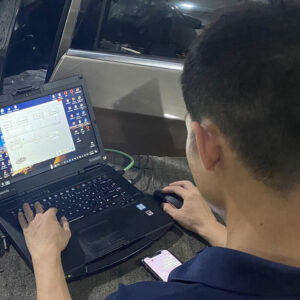
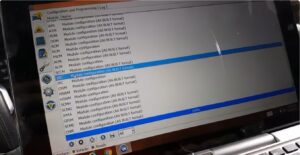
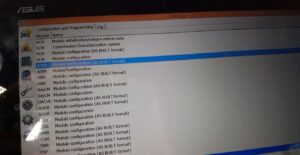
On the Mercedes W212, Brake Hold can be activated using advanced coding tools such as DTS Monaco, ensuring precise control over variant coding and system behavior.
By enabling Brake Hold through proper coding, the vehicle gains a modern comfort feature that is already supported by the braking architecture but not activated by default.
Before activating the Mercedes Brake Hold Function on the W212, ensure you have the following tools and software prepared:
Note: DTS Monaco is an engineering-level tool. Incorrect coding may affect braking or safety systems. Always ensure proper knowledge before making changes.
This project controls braking and stability-related functions on the W212.

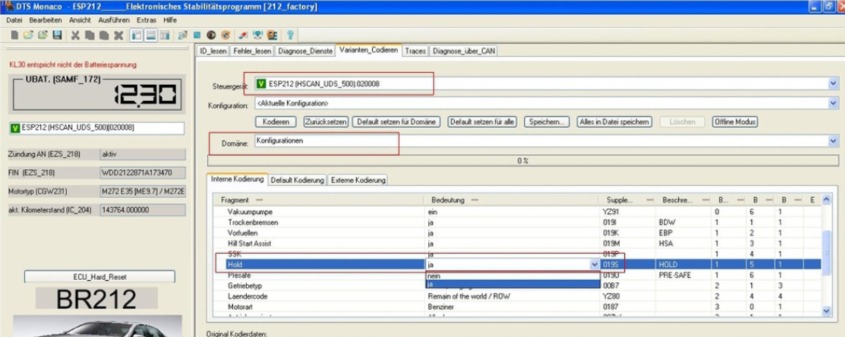
Once completed, the Brake Hold function is activated at the software level.
After coding, cycle the ignition and test the system in a safe environment to confirm proper Brake Hold operation.
For technicians and advanced users who want to deepen their Mercedes coding and diagnostic skills, AutoExplain also offers the Combo: Mercedes Master Diagnostic & Coding Guidebook.
This professional guide focuses on real-world Mercedes case studies and includes:

DTS Monaco Diagnostic & Coding Guidebook
The guide is designed to help you perform complex tasks with confidence, accuracy, and a deeper understanding of Mercedes control systems. See more at: Car Repair Manual
Activating the Brake Hold function on Mercedes W212 using DTS Monaco significantly enhances driving comfort and safety, especially in urban traffic, at intersections, and during stop-and-go situations. By correctly modifying the ESP variant coding, the vehicle can automatically maintain braking pressure when stopped, reducing driver fatigue and improving overall control.
However, because Brake Hold is a safety-related function integrated into the braking system, the coding process must be performed carefully using the correct project files and stable diagnostic tools. Improper coding may lead to system errors or unintended behavior, so professional knowledge is strongly recommended.
At AutoExplain, our experienced technical team provides remote coding and programming support for Mercedes-Benz vehicles, including advanced functions such as Brake Hold activation. We also offer free consultation to help you choose the right diagnostic interface, software setup, and workflow based on your specific vehicle and coding needs.
Contact AutoExplain via WhatsApp +1 (936) 289 6695 or use the live chat on our website to receive expert assistance anytime.
Read more: