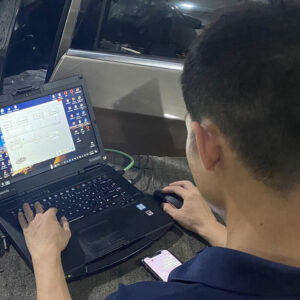

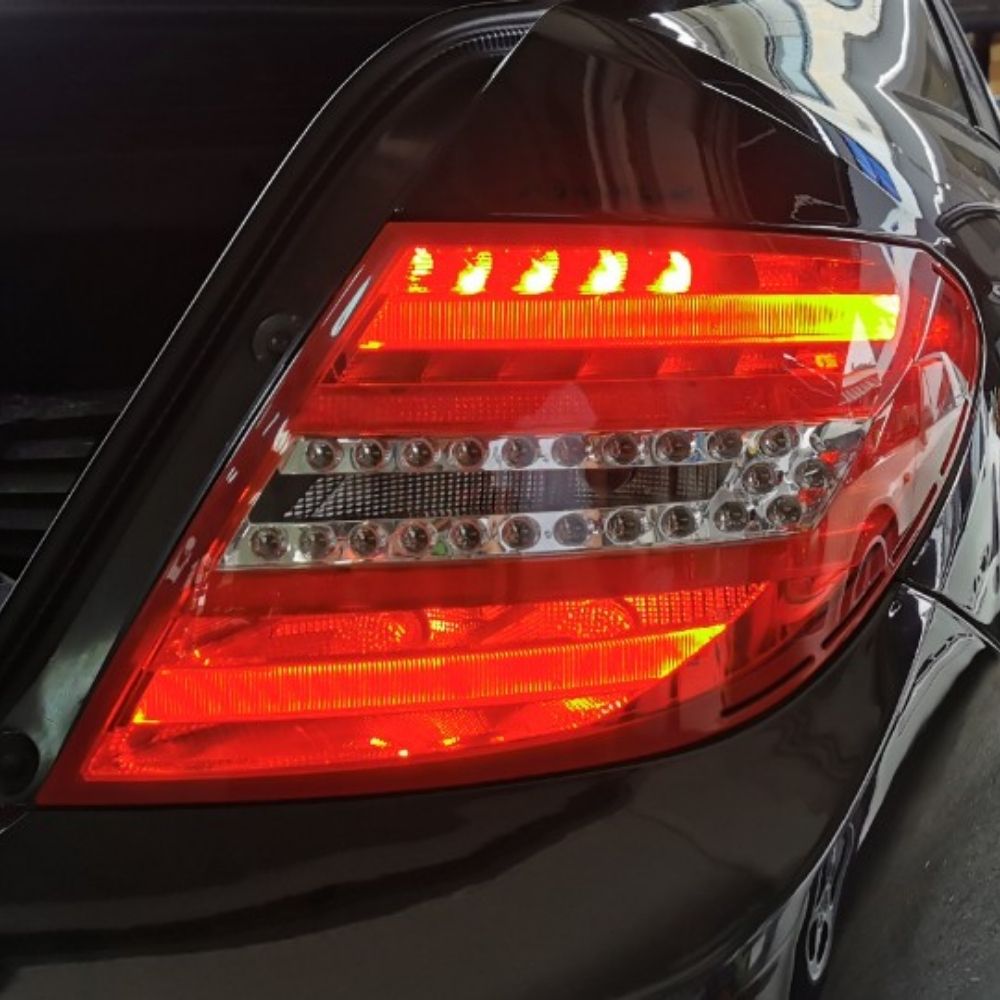
Upgrading your Mercedes W204 with facelift Rear LED Tail Lights is one of the most popular and impressive retrofits, offering better visibility, modern styling, and improved safety. However, to make the new LED lights work correctly, proper coding with DAS is required to avoid warning messages, flickering, or malfunction. In this guide, AutoExplain walks you through how to retrofit and code W204 Rear LED Lights using DAS, ensuring a smooth installation and OEM-level functionality for your vehicle.
Before retrofitting Mercedes W204 Rear LED Tail Lights and performing coding with DAS (Diagnostic Assistance System), make sure you have the following tools ready:
Having the correct tools and software ensures the LED retrofit works properly without errors or flickering.
Follow these steps to code and activate the Rear LED Lights on Mercedes W204 using DAS:
Step 1: Start DAS and run a Quick Test
Begin by scanning the vehicle to ensure all modules are reachable and there are no blocking faults.
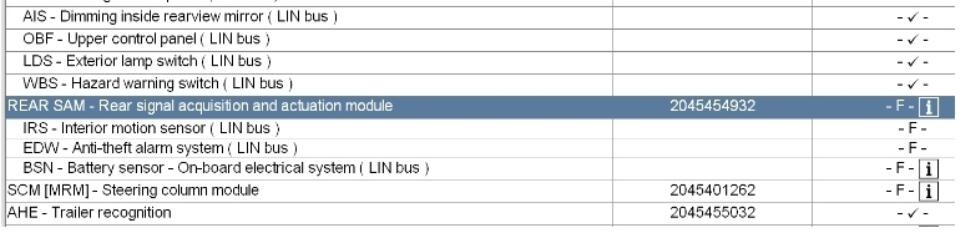
Step 2: Open the Rear SAM module
Navigate to Rear SAM → Development Data.
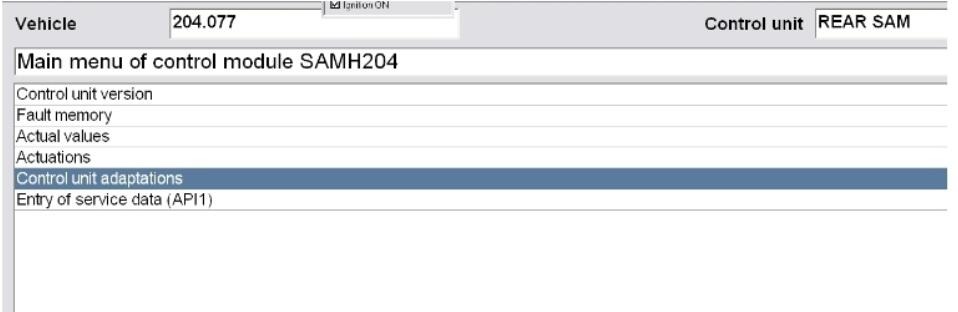
Step 3: Select Control Unit Adaptation
This section allows access to variant coding parameters.
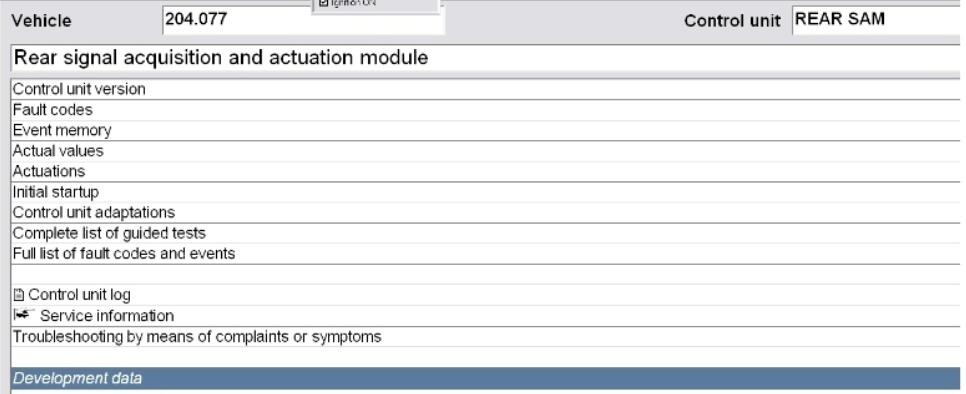
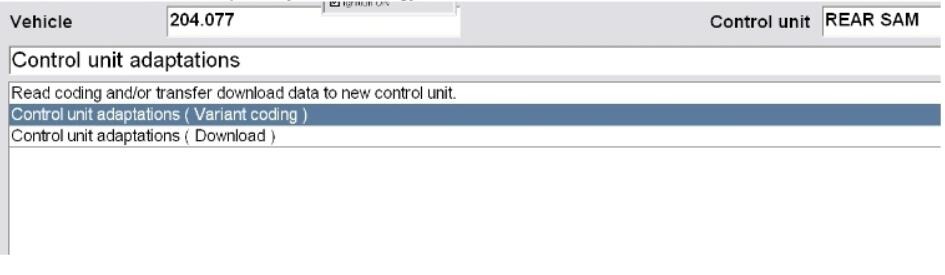
Step 4: Enter “Control Unit Adaptations (Variant Coding)”
Here you can modify the configuration for the rear lighting system.
Step 5: Open the Parameter “Lichtfunction”
This parameter set contains the light output functions for each channel.
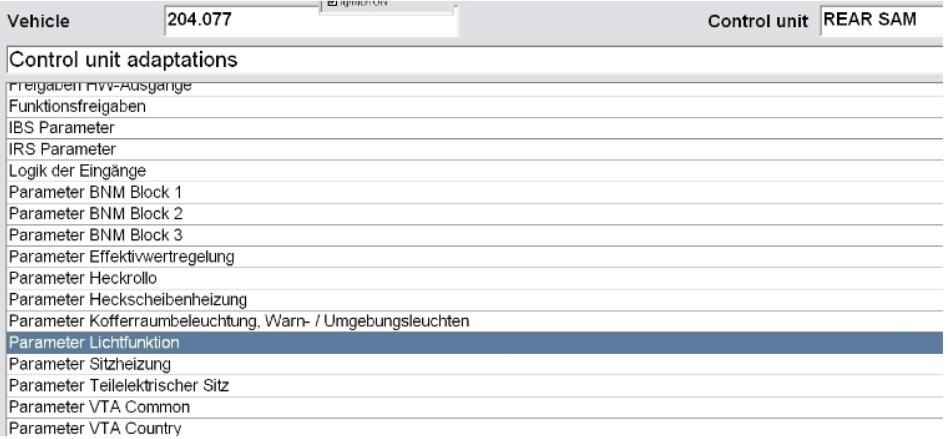
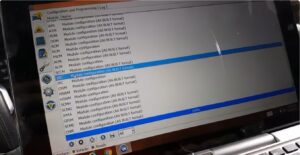
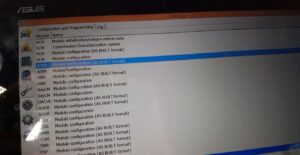
Step 6: Change the coding according to the screenshots
Adjust the parameters to match LED tail light configuration.
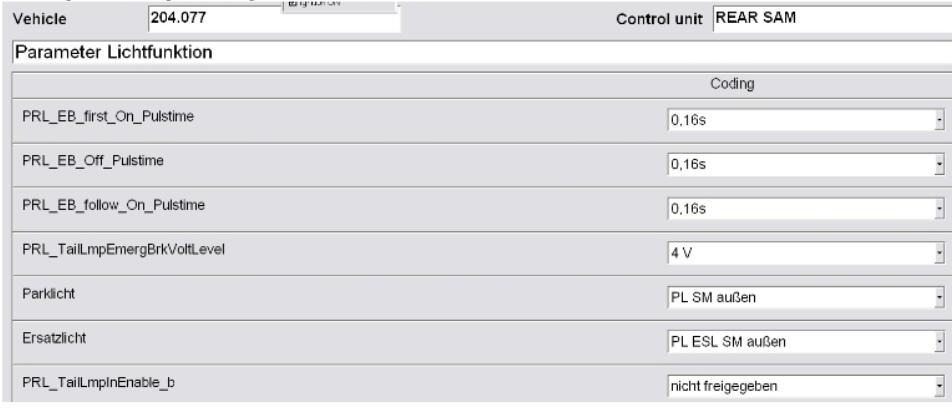
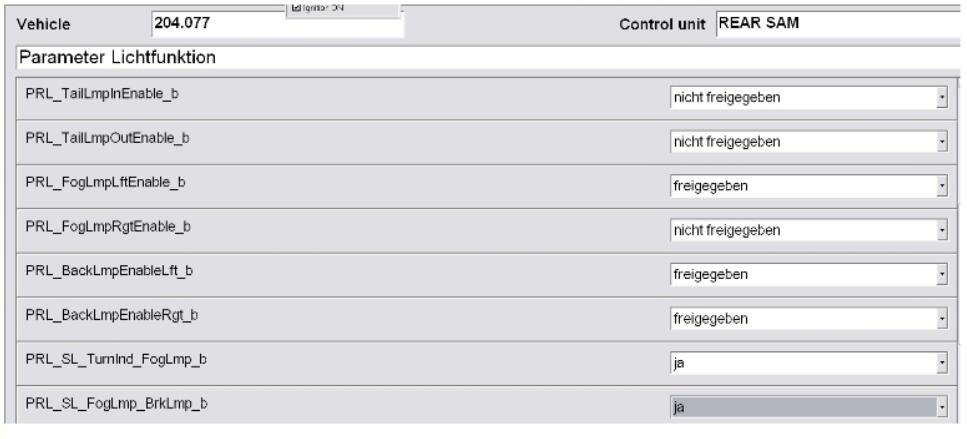
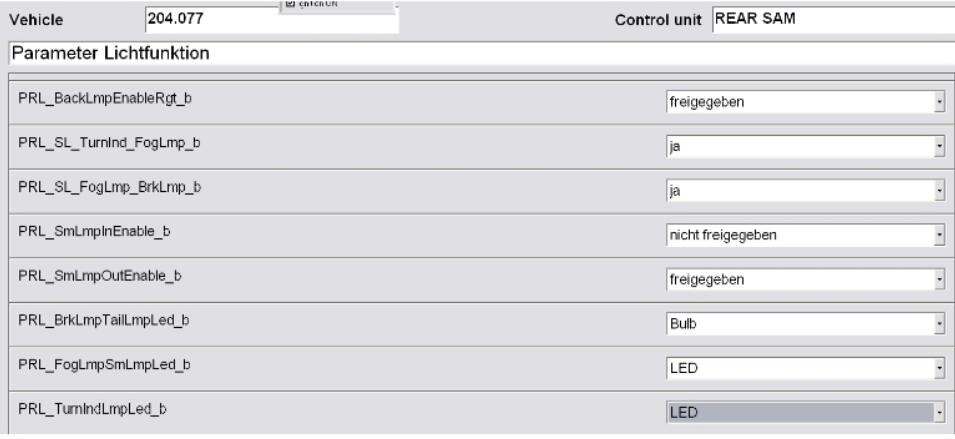
Step 7: Save the configuration
Confirm the coding changes.
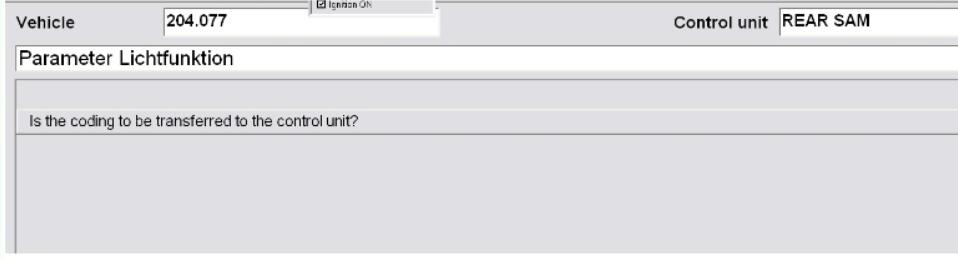
Step 8: Select “Yes” to apply the settings
DAS will write the new coding to the Rear SAM.
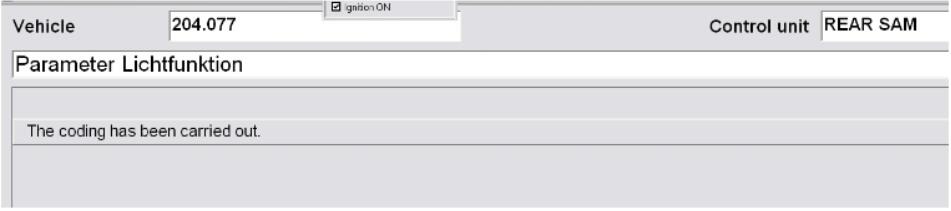
Step 9: Restart the system
If you’re looking to deepen your understanding of Mercedes diagnostics and coding beyond this retrofit, the Mercedes Master Diagnostic & Coding Guidebook by AutoExplain is an invaluable resource. This guidebook compiles real case studies, step-by-step coding procedures, and expert troubleshooting methods used by professional technicians. Whether you’re handling retrofits, module coding, variant adaptations, or fault-specific diagnostics, the book provides practical, workshop-ready instructions that save time and prevent errors—making it an essential reference for both beginners and experienced technicians working on Mercedes vehicles. See more at: Mercedes Master Diagnostic & Coding Guidebook
Retrofitting the rear LED lights on a Mercedes W204 using DAS is a straightforward process once you have the correct tools and coding parameters. By accessing the Rear SAM’s development data and adjusting the variant coding, the vehicle can fully recognize and operate the facelift LED tail lights without errors. Always ensure stable power during coding and restart the vehicle properly after saving the configuration to apply all settings successfully.
If you need guidance on choosing the right diagnostic tools or require technical support during the process, feel free to contact AutoExplain via WhatsApp +1 (936) 289 6695 or the live chat on our website.
You may be interested in: