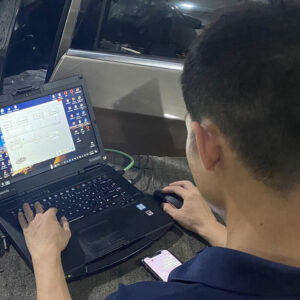
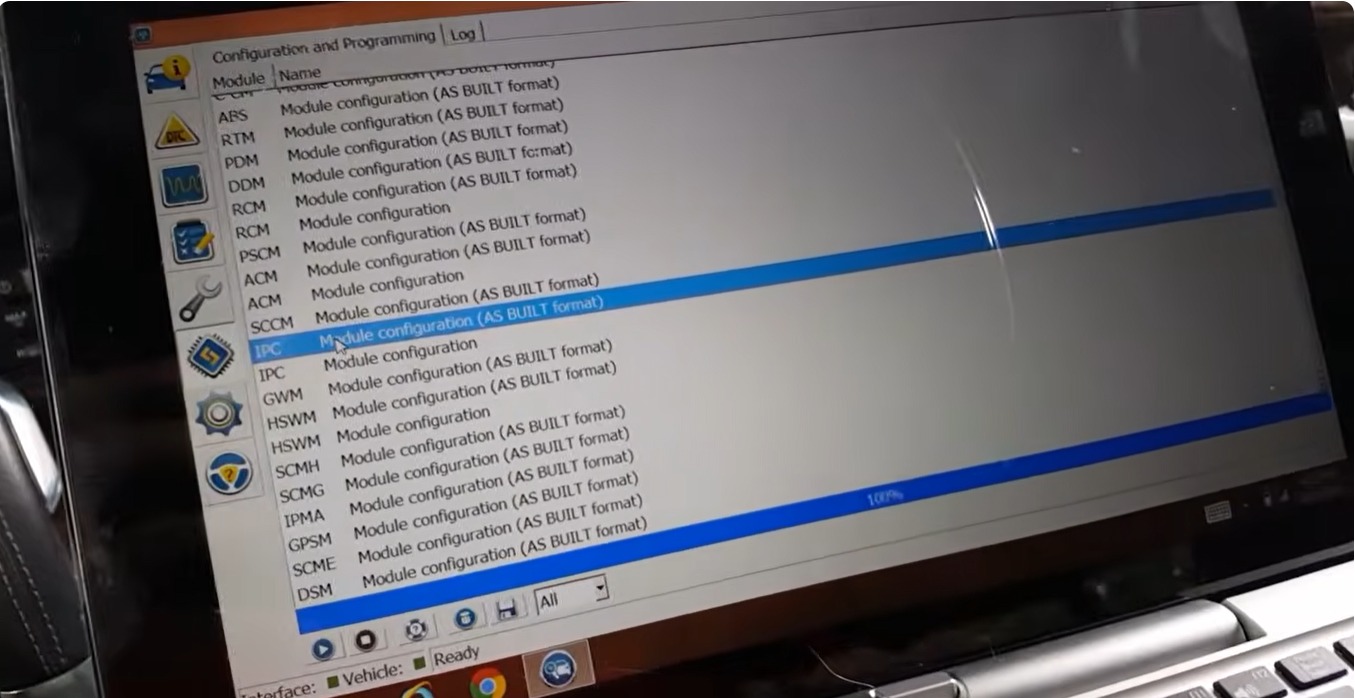

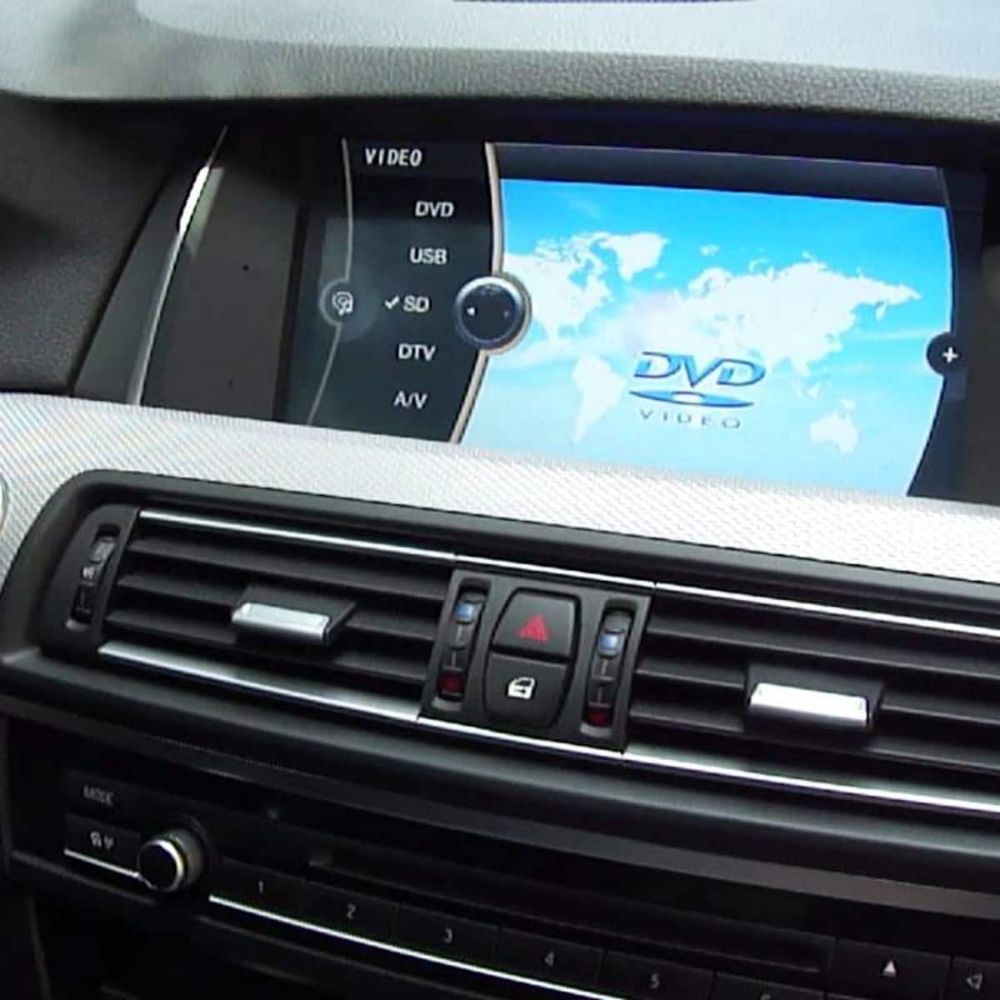
For safety reasons, BMW has disabled the DVD in Motion function on the F10, preventing video playback while the vehicle is moving. However, many owners still want their passengers to enjoy videos during the drive without affecting the driver’s control. In this guide, AutoExplain will show you how to safely and correctly code BMW F10 DVD in Motion, enabling in-motion video playback while maintaining system stability and functionality.
For technicians or enthusiasts who want to dive deeper into BMW diagnostics and coding, AutoExplain also offers the BMW Diagnostic and Coding Guide—a comprehensive resource covering ECU structures, coding techniques, diagnostic workflows, and practical case studies. This guide is designed to help you understand BMW systems on a deeper level and perform coding or troubleshooting with confidence, whether you’re a beginner or a workshop professional. Check out this book at: BMW Diagnostic & Coding Guide: A Self-Training Manual for Technicians
Before starting the coding process, make sure you have the correct software and hardware prepared. These tools ensure stable communication with the vehicle and allow proper coding with E-Sys.
Software Needed
Hardware Needed
If you need help choosing the right tools or require technical support, feel free to contact AutoExplain via WhatsApp: +1 (936) 289 6695 or chat directly with us on the website (bottom-right corner).
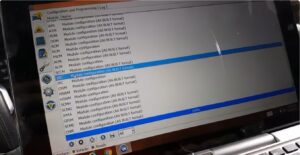
Read FA and SVT data, then proceed to FDL Coding in the module HU_CIC or HU_NBT (depending on the car).
Inside the head unit, modify the following values to unlock DVD in Motion:
These values remove BMW’s factory limitations that block video playback during vehicle movement.
Important Safety Note: Coding DVD-in-Motion modifies a safety-related feature. Ensure you understand local laws and take full responsibility for using this feature. AutoExplain recommends performing coding in a controlled environment or contacting our remote support if you’re unsure.
Coding BMW F10 DVD in Motion allows the head unit (HU_CIC or HU_NBT) to bypass factory video restrictions and enable playback while the vehicle is moving. By making the correct FDL adjustments in E-Sys and ensuring the FA is properly activated, you can unlock full multimedia functionality for both the driver and passengers.
As with any coding task, accuracy, stable connection, and proper tools are essential to avoid system errors. And because this modification affects a safety-related feature, always use it responsibly and comply with local regulations. If you need expert support, BMW remote coding, or professional setup, AutoExplain’s technical team is ready to assist you anytime. Contact us via WhatsApp: +1 (936) 289 6695.
Read more: