
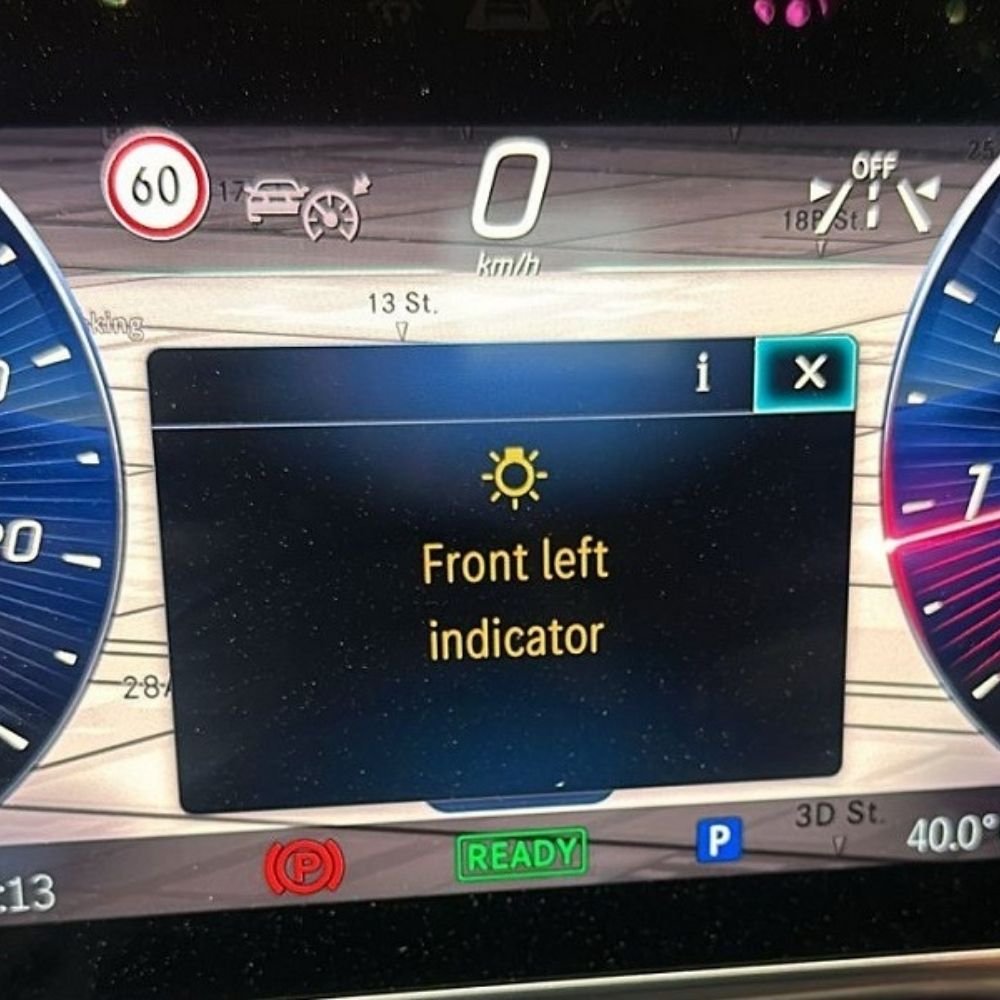
Mercedes-Benz headlight programming is a mandatory procedure after replacing the headlamp on modern Mercedes models such as the W223 S500 4MATIC. Without proper coding and programming, the vehicle may display fault messages like “Front Left Indicator”, and the headlamp control module will not operate correctly within the vehicle’s electronic system.
In this article, AutoExplain provides a step-by-step technical guide to Mercedes-Benz headlight programming after replacement, focusing on the left headlamp (HLI_FL223) on the W223 platform. You will learn how to diagnose headlamp-related faults using Xentry Diagnosis, prepare the correct tools and software, and perform coding with DTS Monaco (Certificate Coding) to restore full functionality and eliminate dashboard error messages.
This guide is designed for professional programmers and workshops who frequently work on Mercedes models such as W223, W213, W206, W253, and W177, where headlamp replacement always requires precise coding to ensure module conformity, system integration, and correct lighting operation.
At AutoExplain, we share real-world Mercedes-Benz headlight programming case studies and proven coding workflows to help technicians perform accurate and reliable module coding after replacement.
Before starting the Mercedes-Benz headlight programming process on the W223 S500 4MATIC, it is essential to prepare the correct tools and software. Proper preparation helps avoid communication errors, incomplete coding, or control unit mismatch.
Required tools and software include:
These tools ensure stable communication between the vehicle and control units during coding and programming.
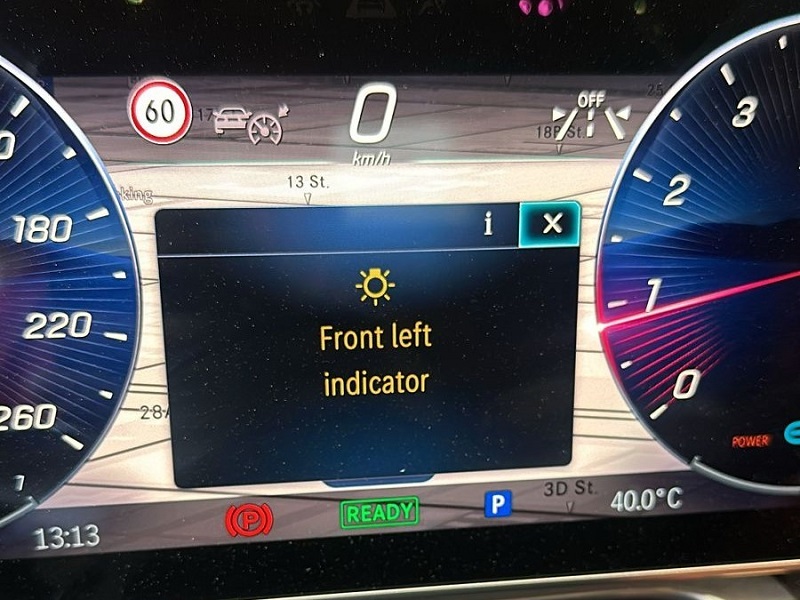
After replacing the left headlamp on Mercedes-Benz W223, technicians often encounter warning messages on the instrument cluster, such as:
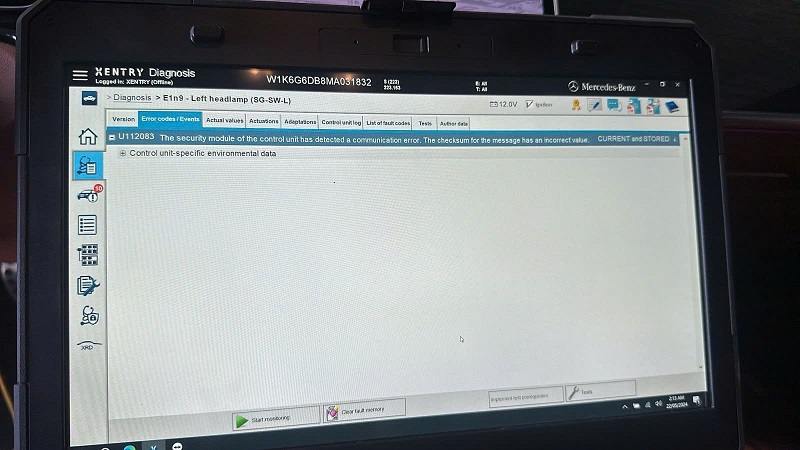
This happens because the new headlamp control unit is not yet synchronized with the vehicle’s configuration. Coding and programming are required to align the module with the vehicle’s control system.
Before performing coding, always verify the fault status using Xentry.
Procedure:
This step ensures you are addressing the correct control unit before coding.
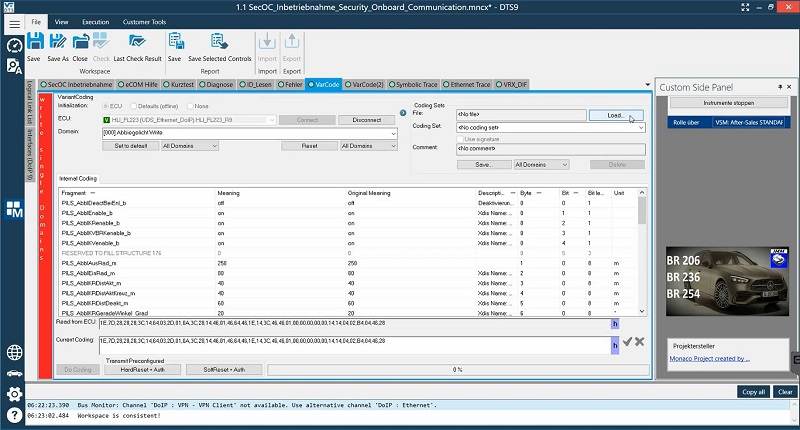
Connect HLI_FL223 in DTS 9.02
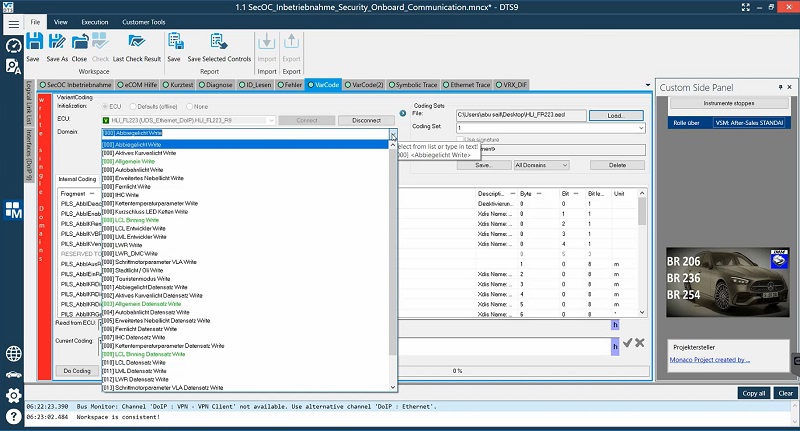
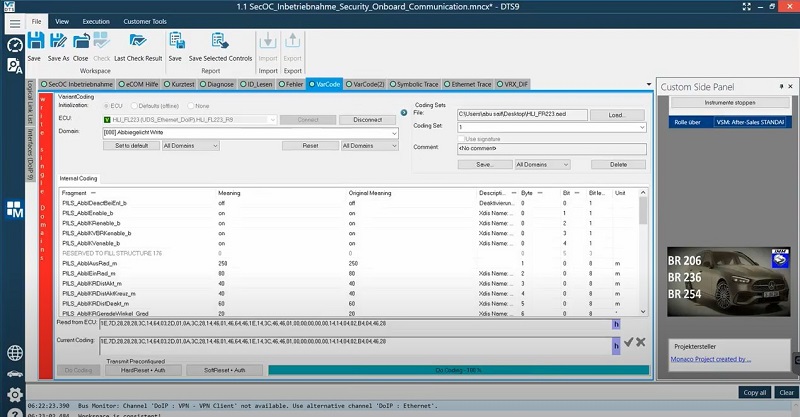
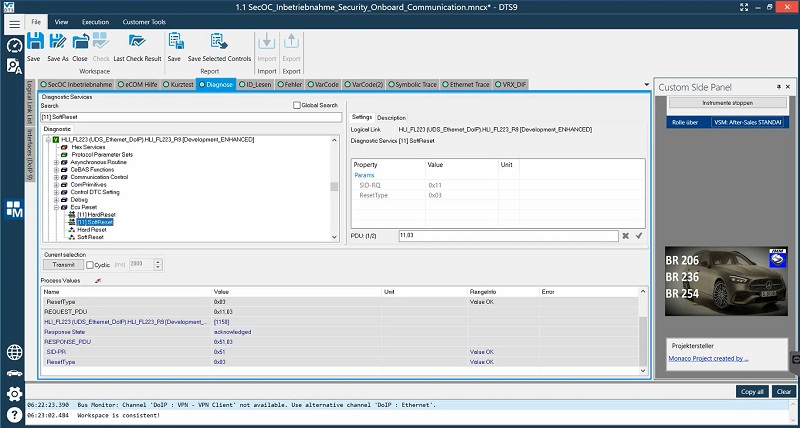
Once coding is completed:
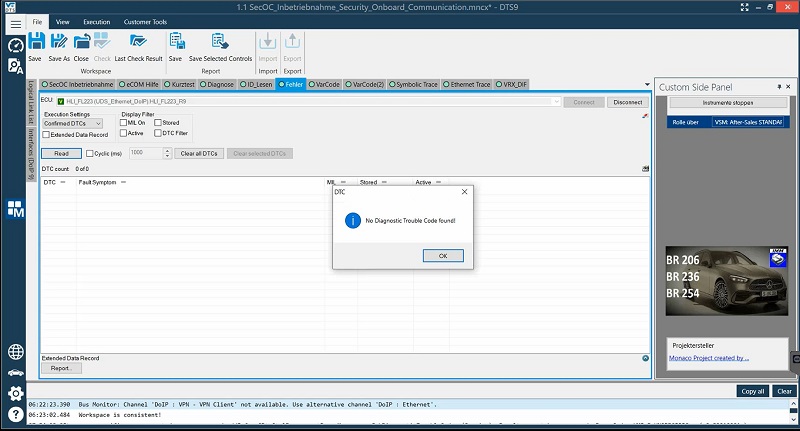
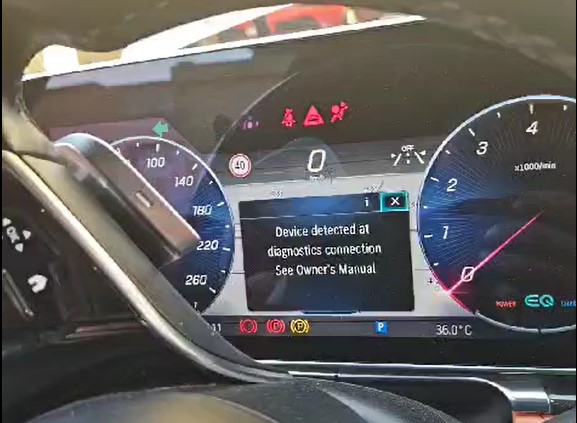
If no faults reappear, the Mercedes-Benz headlight programming process is complete.
Coding the headlamp after replacement on Mercedes-Benz W223 S500 4MATIC is a critical step to ensure proper communication between the control unit and the vehicle system. Using Xentry and DTS Monaco with certificate coding allows technicians to resolve indicator errors, restore full lighting functionality, and avoid future diagnostic issues.
At AutoExplain, we specialize in real-world Mercedes-Benz programming and coding case studies, providing professional guidance, technical manuals, and remote support services for complex procedures like headlight programming.
If you need remote programming support, tool consultation, or a step-by-step Mercedes diagnostic & coding guide, feel free to contact AutoExplain via WhatsApp +1 (936) 289 6695 or live chat on our website.