
In Audi vehicles, parameter files play a vital role in configuring and calibrating ECUs to ensure optimal system performance. These files contain essential settings for control units such as the TCM, ECM, and BCM—making them especially important when performing ECU flashing, coding, or adaptation after replacing or upgrading components. Understanding how parameter files work helps technicians avoid errors and ensures accurate diagnostics and programming for Audi models.
In this article, AutoExplain will guide you through how to find the original Audi parameter files using ODIS Engineering, helping you work more precisely and professionally when handling Audi vehicles.
Audi Parameter Files are specialized configuration files used by Audi’s diagnostic and engineering systems—such as ODIS Engineering—to define how individual ECUs (Electronic Control Units) operate. These files contain essential data such as module settings, calibration values, operating limits, communication parameters, and adaptation logic.
Each ECU in an Audi vehicle (ECM, TCM, BCM, ABS, Airbag, etc.) relies on its own parameter file to function correctly. When performing tasks like ECU flashing, coding, retrofitting, or replacing control units, technicians must load the correct parameter file to ensure the module is configured according to factory specifications.
Using the wrong or mismatched parameter file can lead to ECU malfunction, system errors, or improper vehicle behavior. Therefore, identifying and applying the original, correct parameter file is crucial for safe and accurate Audi diagnostics and programming.
For anyone diving into VAG coding, mastering the use of ODIS software is essential. Our book, Master VAG Coding, provides a comprehensive guide, covering everything from configuring VCI interfaces to detailed tutorials on ODIS Service and ODIS Engineering, including practical examples to help you work confidently with Audi and VW ECUs.
Chapters like ODIS Engineering – Basic User Guide and Practical Examples with ODIS will walk you through essential tasks such as reading and coding ECUs. Check out this manual at: Master VAG Coding – Vol 1: Start With Odis, Elsawin, Petka
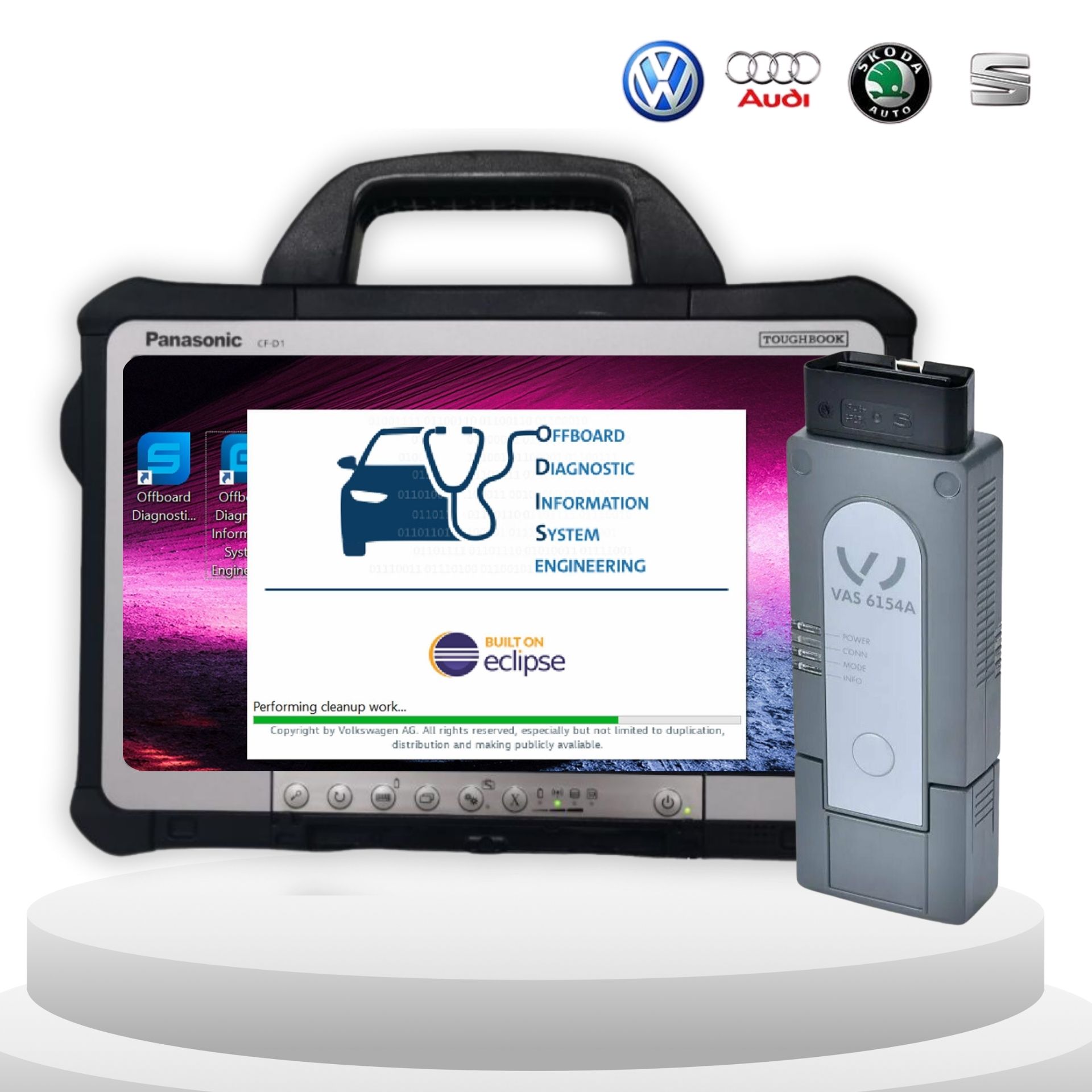
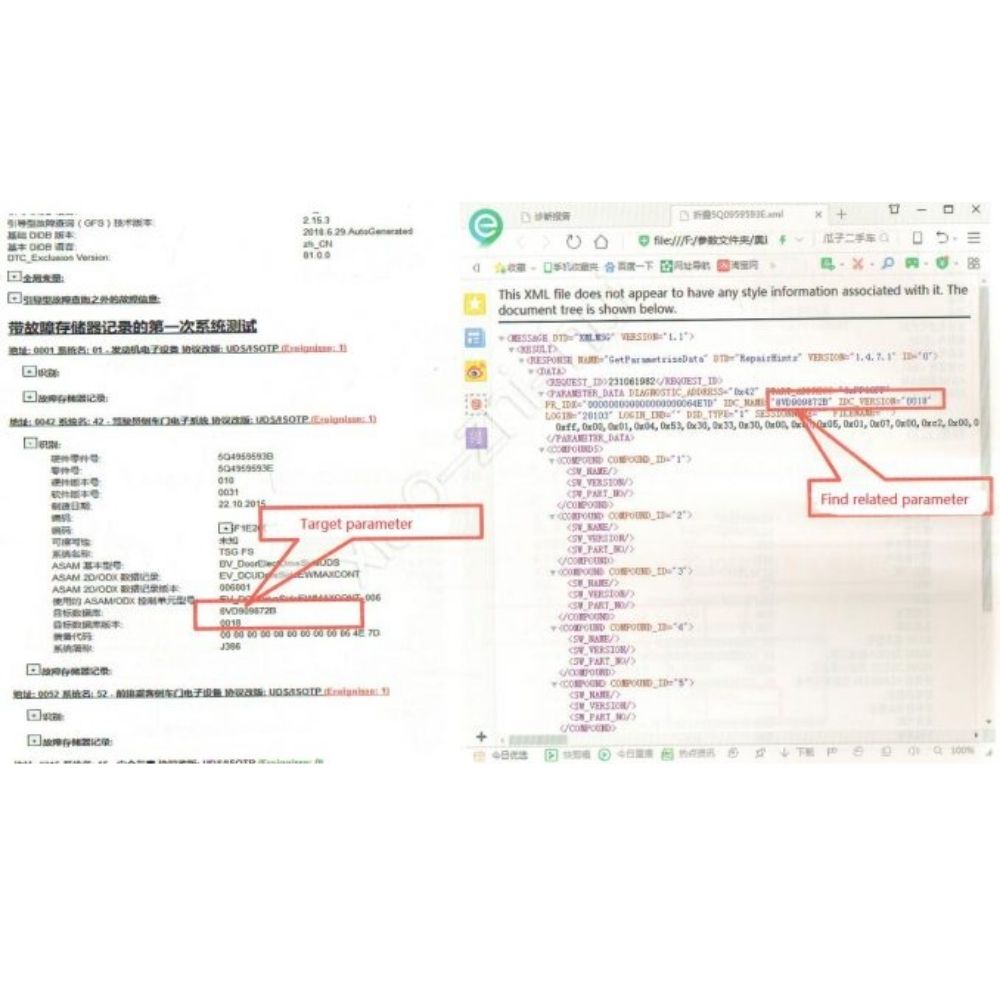
Example: 2017 Audi A7 – Rear Left Door Control Module
In the ECU information section, ODIS will display:
Record the dataset/parameter file name shown in the report.
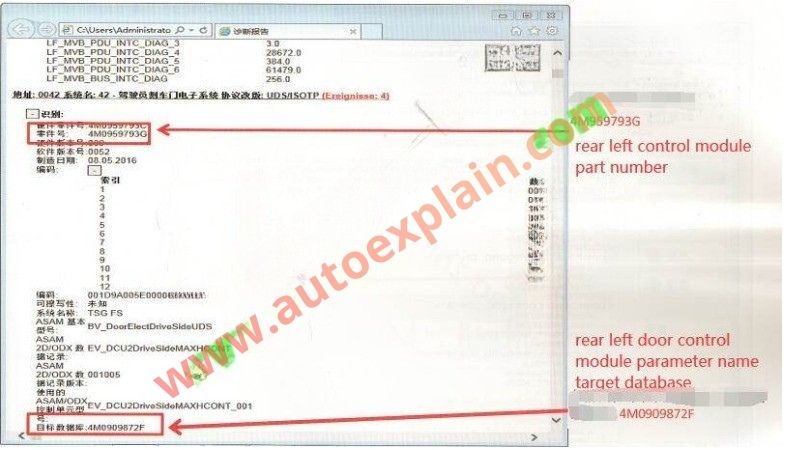
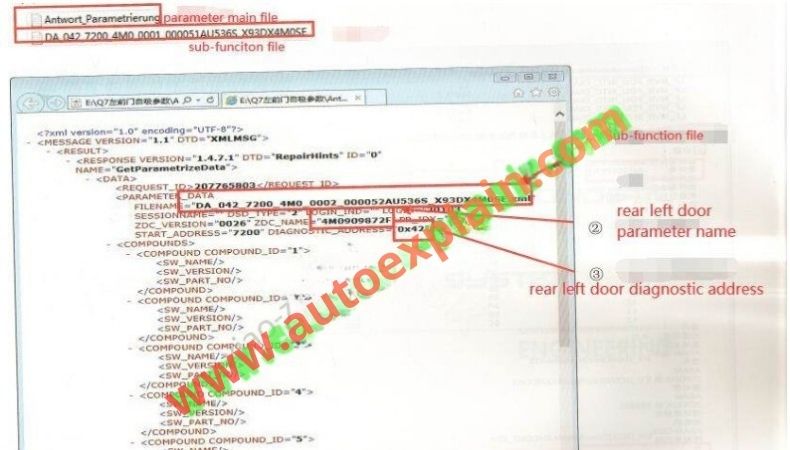
At AutoExplain, our team of experienced technicians is ready to assist you. If you need support or advice, feel free to contact AutoExplain via WhatsApp: +1 (936) 289 6695 or use the live chat on our website (bottom right corner of the screen).
Finding the original Audi parameter files is essential for accurate ECU diagnostics, coding, and flashing. By using ODIS Engineering and referencing the correct module information from the diagnostic report, technicians can ensure they are working with the exact parameter file for each control module. This process helps prevent errors, maintains vehicle functionality, and ensures a safe and reliable programming workflow.
In this guide, AutoExplain has shown how to locate and verify the original Audi parameter files efficiently, providing a reliable method for all Audi models supported by ODIS Engineering.
Read more: