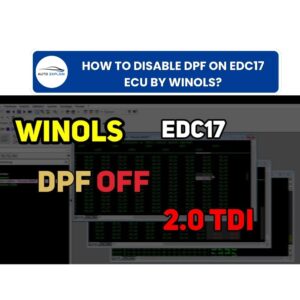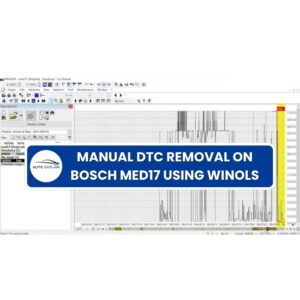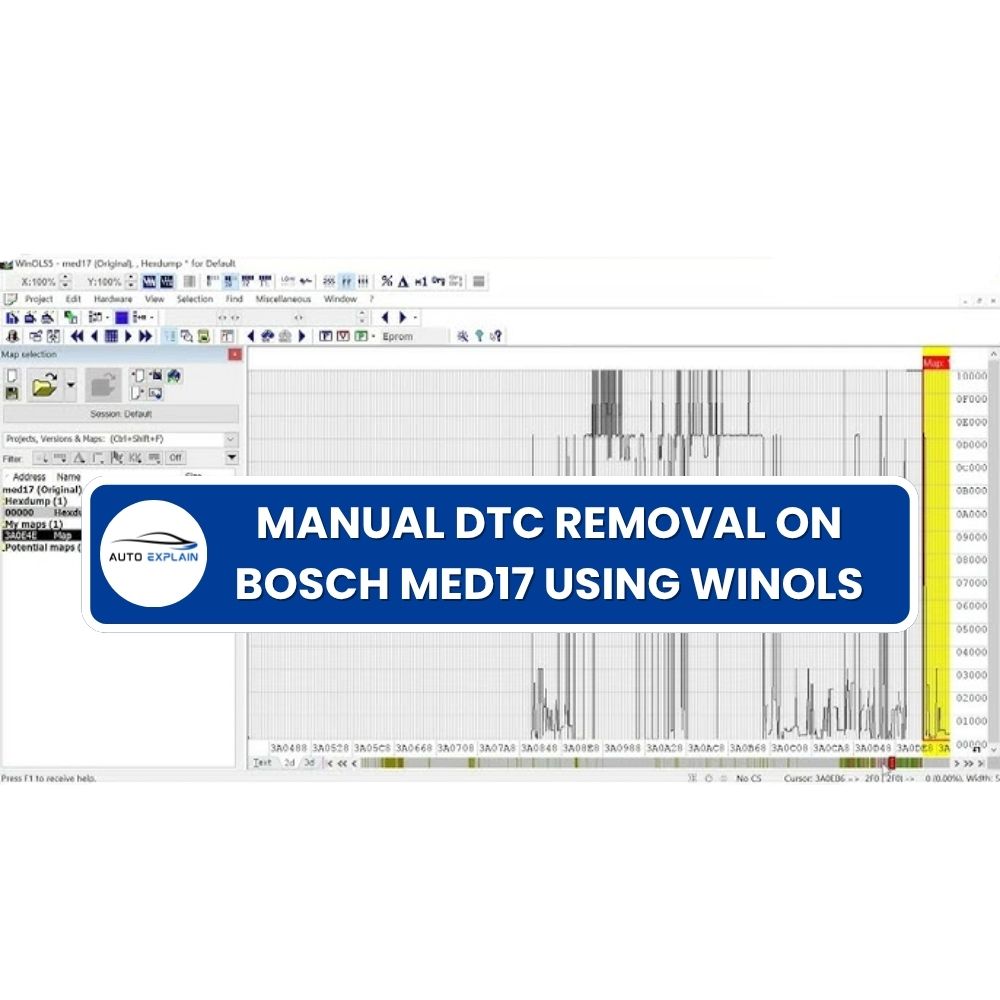

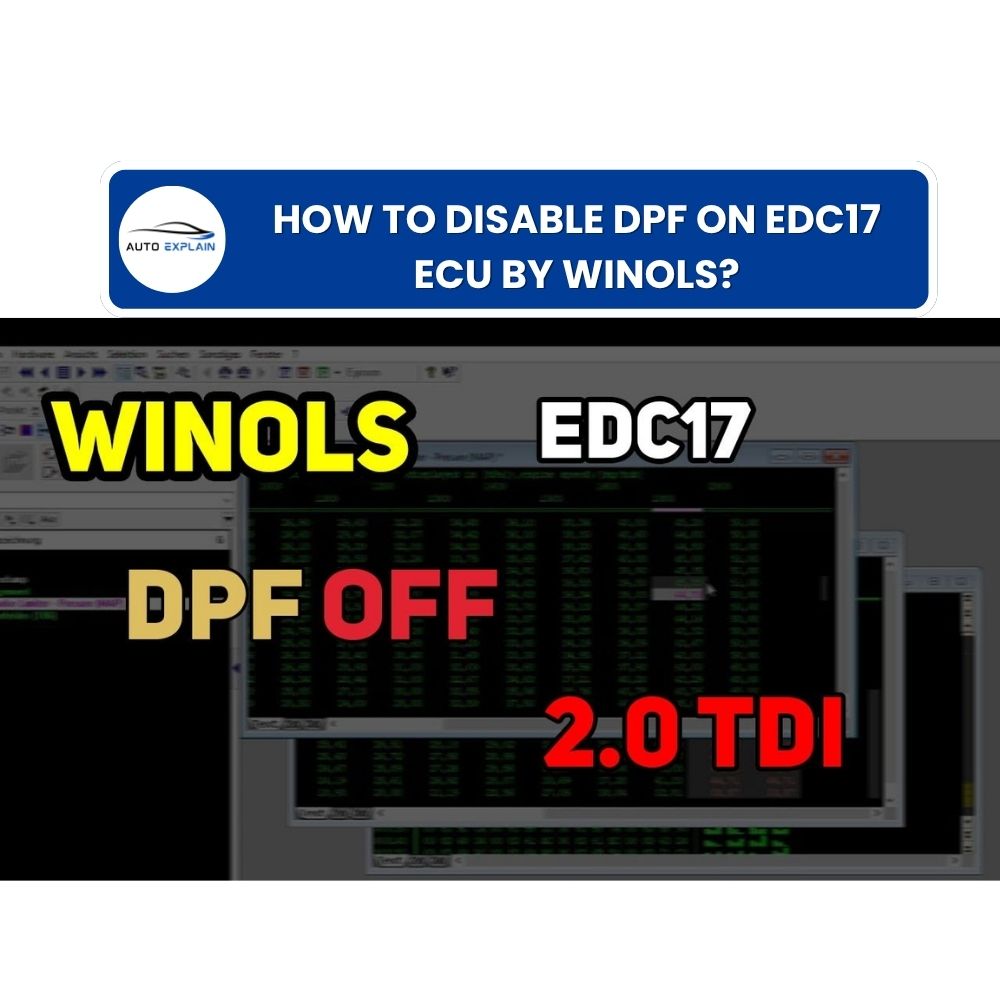
DPF Off on Bosch EDC17 ECUs is not just a simple software switch — it requires a proper combination of hardware modification and ECU calibration using WinOLS. If done incorrectly—especially without addressing issues like a clogged filter or incomplete regeneration—the vehicle can develop serious faults and unstable performance. In this guide, AutoExplain walks you through a clear, step-by-step process to perform DPF Off safely and effectively, ensuring reliable operation without unwanted error codes.
Before modifying the ECU file, you must first define a clear hardware approach. The way you handle the DPF system physically will directly affect how much work is required on the software side and whether the vehicle runs smoothly after tuning.
This method keeps the original look of the exhaust system, which is ideal for vehicles in regions with strict inspections.
This approach minimizes DTC issues and simplifies ECU modification.
This method completely removes the DPF and replaces it with a straight pipe.
Option 2a: Keep Sensors Connected
Option 2b: Remove Sensors Completely
Requires additional DTC Off work in the ECU file to ensure proper operation.
Choosing the right hardware strategy is critical. A poor setup can lead to persistent errors, while a well-planned approach will make the software process much more straightforward.
Before performing any DPF Off modification in the ECU, it is essential to ensure that the DPF system is in a stable condition. One of the most common mistakes is applying a DPF Off file while the filter is clogged or the ECU is still managing an active regeneration process.
The Golden Rule
Always perform a forced regeneration using a diagnostic tool before modifying the ECU file.
What If Forced Regeneration Fails?
If the DPF is too clogged and regeneration cannot be completed:
Why This Step Matters
If you skip this process:
Only proceed with ECU modification once the DPF system is fully stabilized and no active regeneration issues remain.
Once the hardware is properly handled and the DPF system is stable, you can proceed with software modification using WinOLS.
DPF switches are not clearly visible in 2D maps, so Text view is required.
Use the search function to locate known sequences:
These patterns typically lead you to the DPF control area.
Once located, align your view:
You should see a structure similar to:
04081 00015 32767 0003 04000 00001 00000 00000 00001 02800 32767 00200 32768 32767
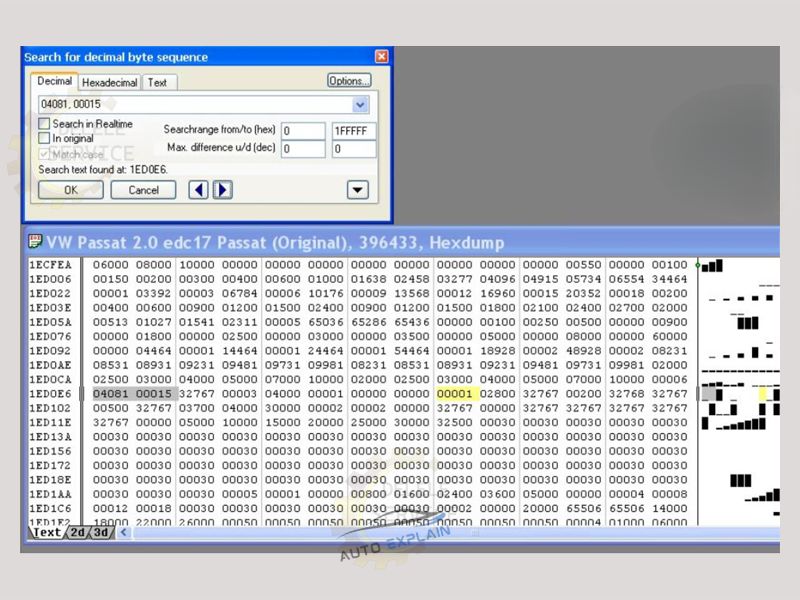
The DPF switch is typically:
Correct identification is critical to avoid editing the wrong parameter.
This action disables all DPF-related functions in the ECU.
Important Tip
If the first search method does not work:
This process provides a reliable way to disable DPF at the software level, but accuracy is essential—always verify your changes before writing the file back to the ECU.
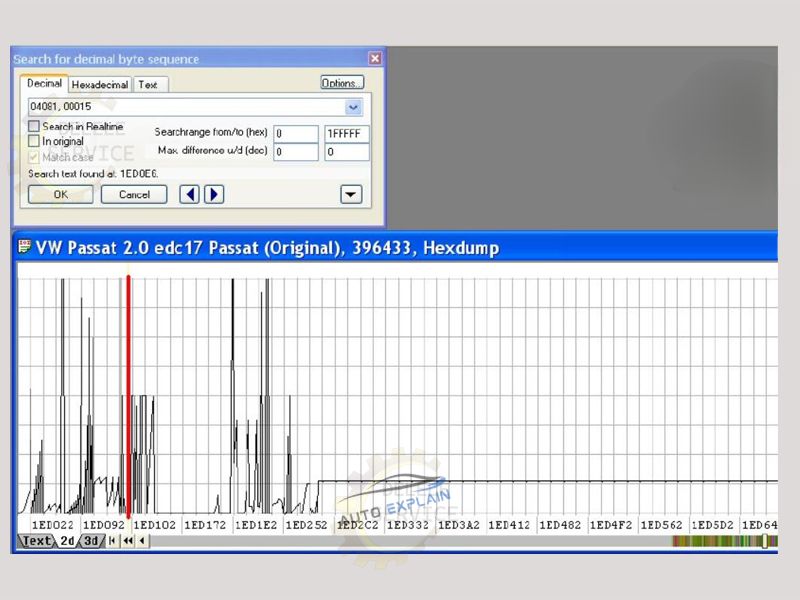
Unlike older ECUs such as EDC16—where a single switch could disable DPF completely—EDC17 systems are more complex and may require additional adjustments even after turning the DPF switch off.
Below are the most common issues and how to resolve them:
If you disable DPF without performing a forced regeneration first:
Always stabilize the system before ECU modification.
If DPF sensors are physically removed:
You must perform proper DTC Off in the ECU file to eliminate these errors.
Even after disabling the DPF switch:
Solution: Set Post Injection maps to 0 to fully disable regeneration logic.
Editing the wrong value in the file can lead to:
Always verify the correct DPF switch position before making changes.
Not all EDC17 ECUs share the same file structure:
Experience and careful analysis are key when working with unfamiliar ECU variants.
DPF Off on Bosch EDC17 ECUs requires more than simply changing a single value—it is a process that combines proper hardware preparation with precise software modification in WinOLS. Skipping critical steps such as forced regeneration or incorrect handling of sensors can lead to persistent errors and unstable vehicle behavior.
By following a structured workflow and understanding how the ECU manages DPF functions, you can achieve a clean and reliable DPF Off solution. For those looking to go deeper into professional ECU tuning and avoid costly mistakes, AutoExplain provides the guidance and expertise needed to work with confidence.