In the professional world of performance calibration, the true potential of a modern engine is locked within its binary code, managed by complex Engine Management Systems (EMS). Mastering professional car tuning software is the essential gateway for any technician aiming to become a WinOLS expert or a master tuner capable of high-level ECU remapping.
Whether you are navigating the intricacies of torque-based engine management or utilizing advanced DAMOS and Map Packs (KP files) to precisely identify critical lookup tables, the choice of software determines your level of control and precision. This comprehensive guide explores the industry’s most powerful tools, from the manual hexadecimal editing and 3D visualization capabilities of WinOLS to the driver-assisted graphical interface of ECM Titanium. By mastering these platforms, tuners can scientifically optimize spark advance, fuel quantity, turbo pressure, and rail pressure to redefine a vehicle’s performance and efficiency.
What Is Car Tuning Software?
Car tuning software (also known as ECU editing or remapping software) is a specialized tool used to identify, analyze, and modify the internal data stored within a vehicle’s Engine Control Unit (ECU) or Transmission Control Unit (TCU). Its primary goal is to optimize engine performance, torque, and fuel efficiency by altering the “lookup tables” that govern how the engine operates under various conditions.
How Tuning Software Works with the ECU
The interaction between the software and the ECU follows a specific technical workflow:
- 1. Data Extraction: A hardware programmer (like KESS V2 or K-TAG) reads the original software from the ECU’s flash memory and saves it to a PC as a hexadecimal binary file (.bin).
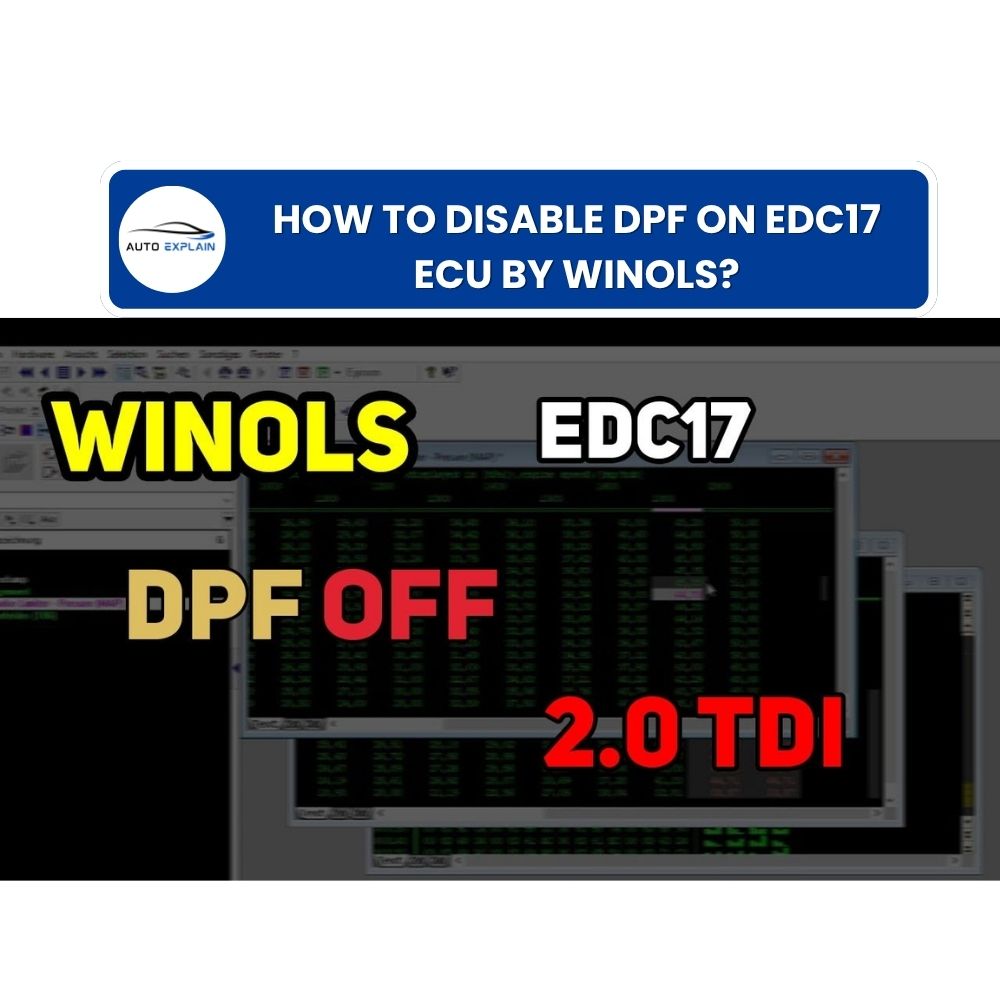
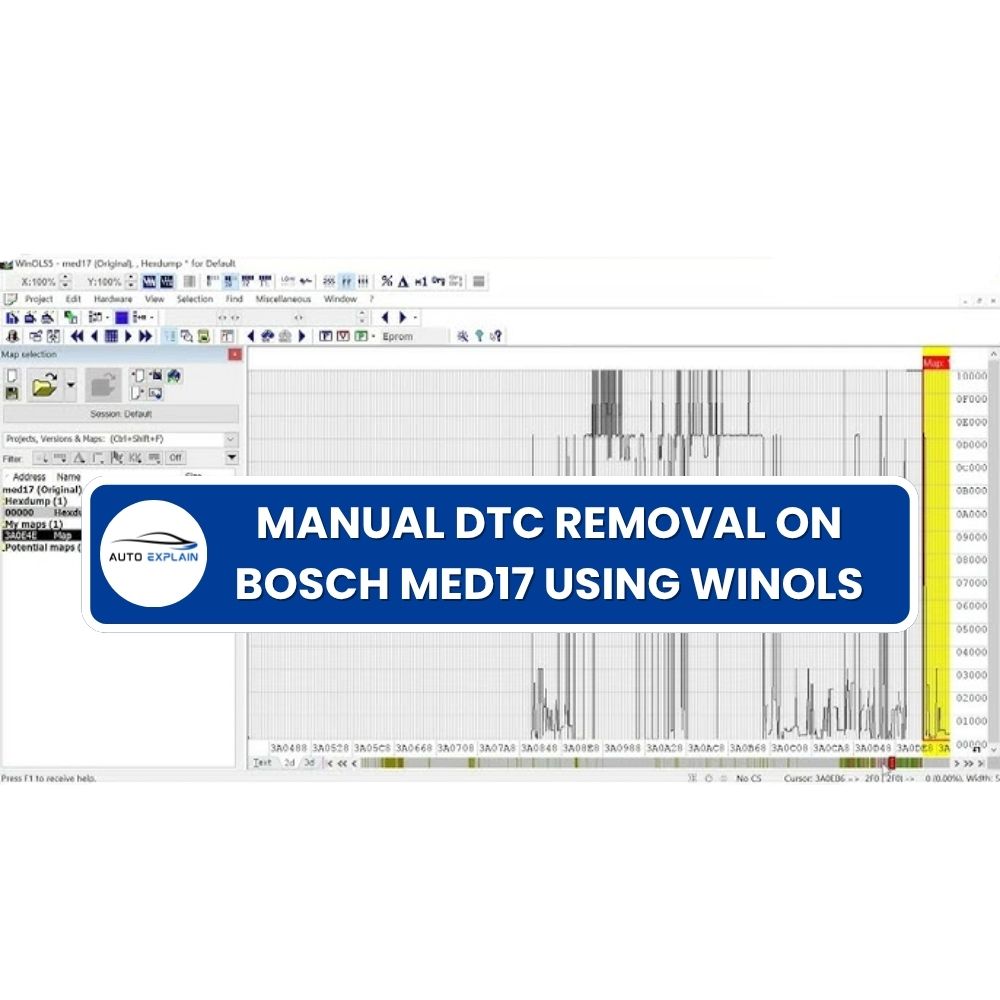
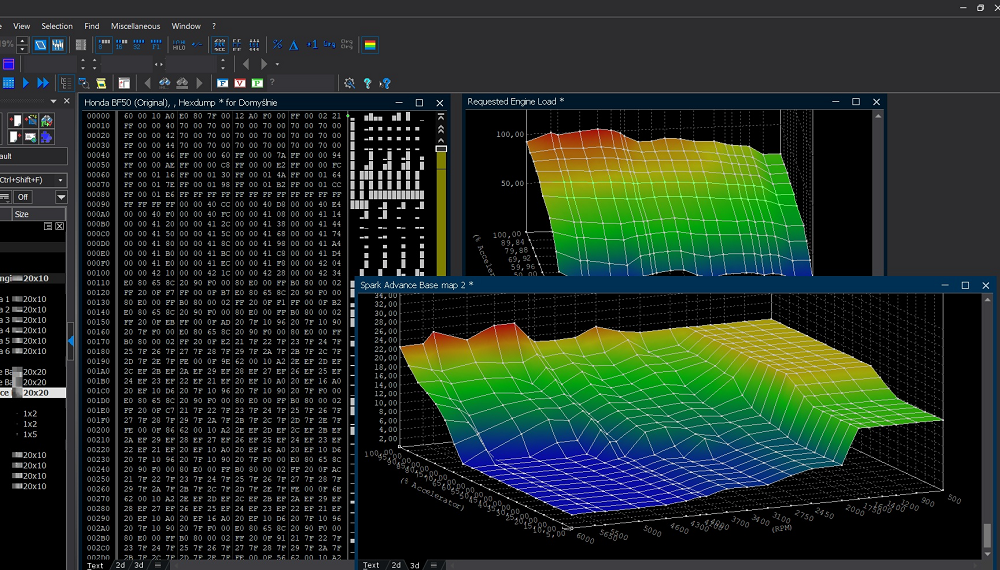
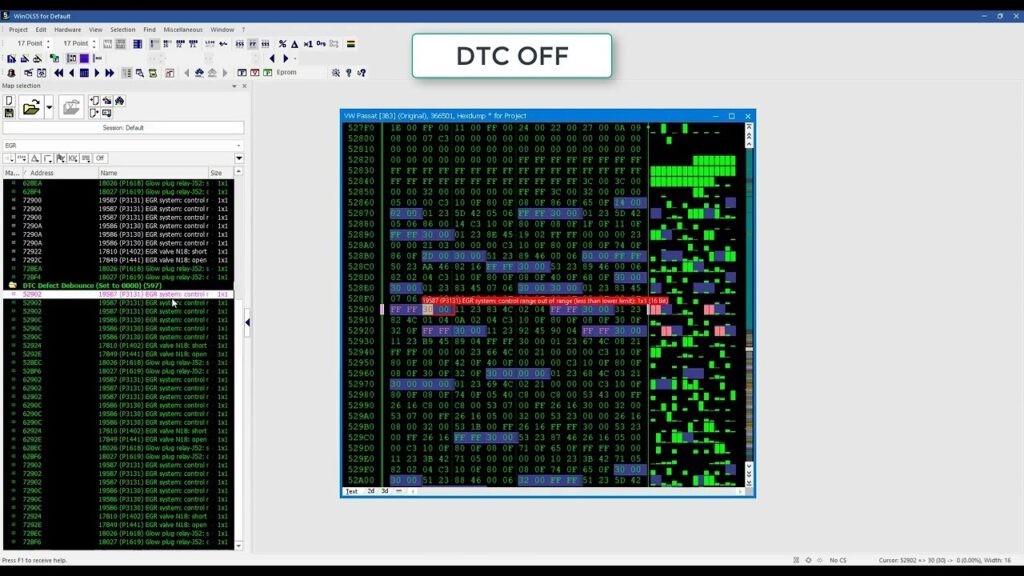
- 2. Map Identification: The software, such as WinOLS, searches through thousands of bytes of binary data to find “Potential Maps”. These maps are mathematical models representing engine functions like spark advance, fuel injection quantity, and turbo pressure.
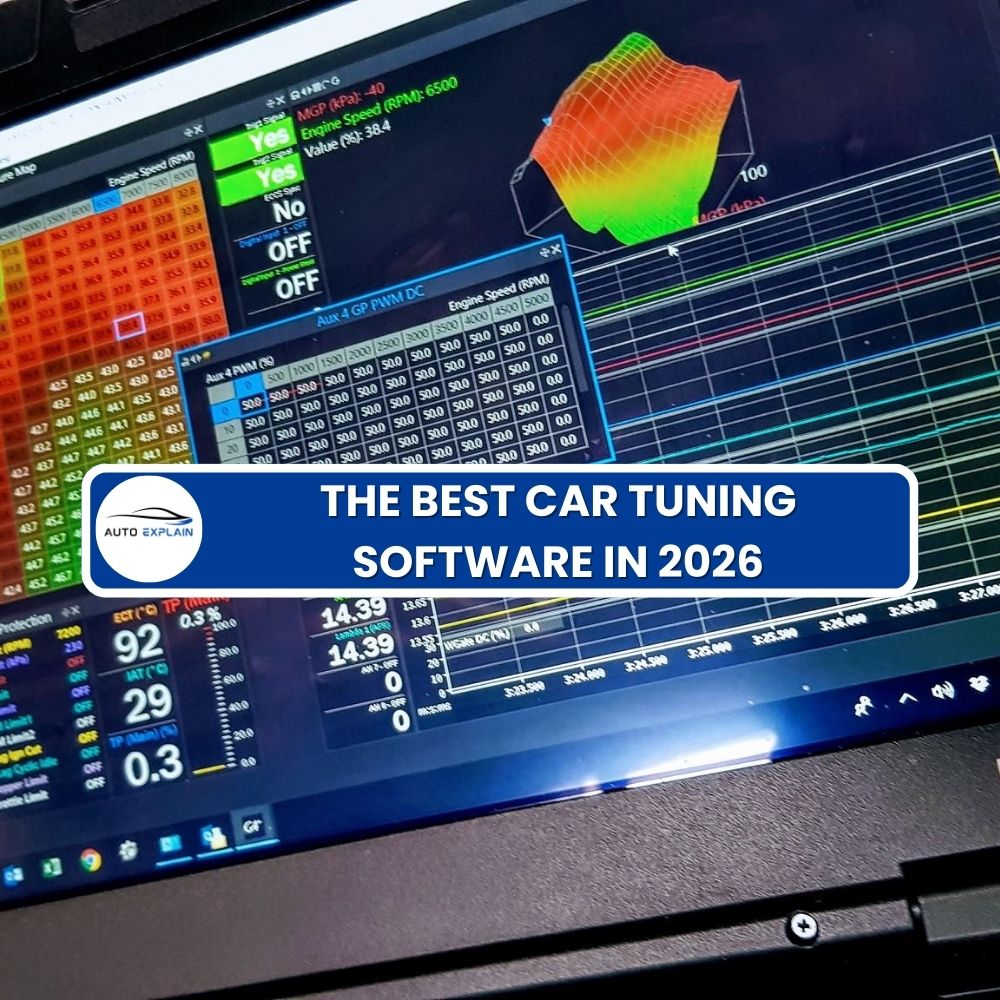
- 3. Visualization and Editing: Advanced software provides 2D and 3D views of these tables, allowing tuners to see the “shape” of engine behavior. Experts often use Map Packs (KP files) or DAMOS/A2L files—manufacturer-level definition files—to precisely locate and label every vital parameter.
- 4. Mathematical Modification: Tuners apply factors and offsets to convert raw decimal/hex values into real-world units like RPM, Bar, or Degrees. They then edit these values based on performance goals.
- 5. Checksum Correction: Before saving, the software calculates a checksum—a control algorithm that ensures the modified file is valid. If the checksum is incorrect, the ECU will reject the file, and the car will not start.
Differences Between ECU Software Types
The sources distinguish between three primary types of software used to interact with a vehicle’s electronic systems:
| Feature |
Tuning Software |
Diagnostic Software |
OEM Programming/Coding |
| Primary Goal |
Modifying engine logic to increase power, torque, or fuel economy |
Scanning for faults and monitoring the health of sensors and actuators. |
Official updates, part registration, and enabling factory options. |
| Data Interaction |
Reads and edits the core calibration lookup tables (remaps the software) |
Reads Diagnostic Trouble Codes (DTCs) and real-time sensor “live data” |
Flashes entire firmware updates or changes configuration bits (Coding) |
| Typical Actions |
Changing spark timing, boost levels, or removing DPF/EGR limits. |
Clearing “Check Engine” lights or verifying air-fuel ratio (AFR) health. |
Updating an ECU to fix manufacturer bugs or registering new fuel injectors |
| Examples |
WinOLS, ECM Titanium, Swiftec. |
Xentry, Odis Service,… |
DTS Monaco, Vediamo,… |
While Diagnostic software is essential for ensuring the vehicle is in a “healthy” state before tuning, only Tuning software has the capability to redefine the performance boundaries set by the original manufacturer.
The Top 4 Professional Tuning Software Solutions
Based on the sources provided, the industry recognizes four primary professional software solutions for ECU remapping and tuning, each catering to different levels of expertise and specific technical needs.
WinOLS (by EVC Electronics)
WinOLS is widely considered the industry standard and the most advanced choice for professional tuners.
- Key Capabilities: It features unique capabilities for detecting potential maps such as torque limits, fuel injection, and spark advance, allowing tuners to review data in 8-bit or 16-bit formats through 2D and 3D views.
- Expert Control: It is designed for experts who require manual control over every bit of the ECU dump and provides advanced features like checksum correction for supported plug-ins.
- Advanced Data Management: Professionals use Map Packs (KP files) and DAMOS/A2L files within WinOLS to identify manufacturer-level parameters and group them into logical categories.
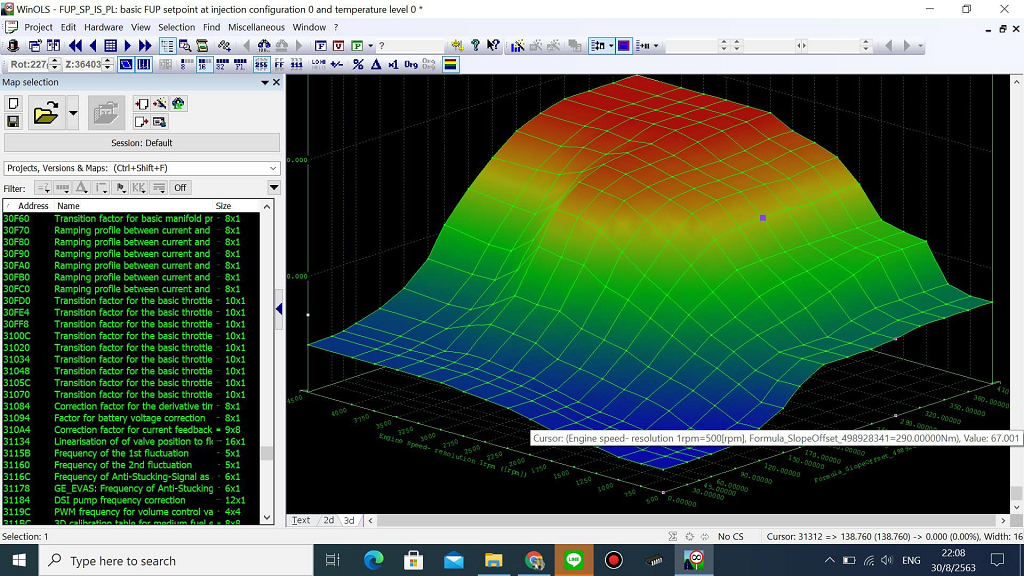
Professional car tuning software like WinOLS requires a solid understanding of map structure and data editing (read our WinOLS manual here).
ECM Titanium (by Alientech)
Produced by the makers of the KESS and K-TAG programmers, ECM Titanium is known for its user-friendly approach.
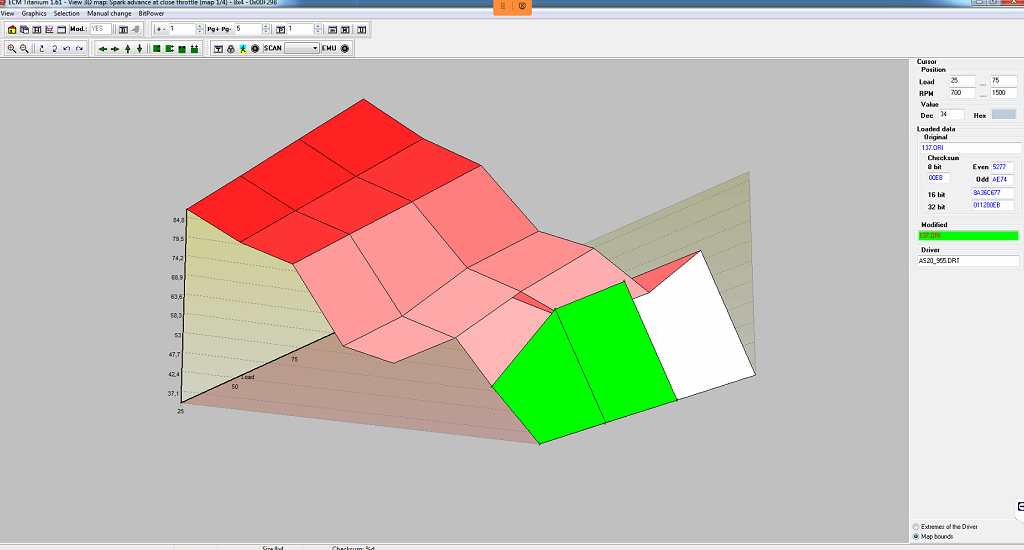
- Driver System: It automatically searches its database for a “Driver,” which is a predefined set of tables (ignition, fuel, torque) specific to a car’s engine and ECU.
- Beginner Friendly: It is the ideal choice for beginners because it features a beautiful graphical interface and automatically converts hexadecimal offsets and factors into real-world values.
- Limitations: A noted disadvantage is that it lacks certain advanced “off” solutions, such as the ability to disable DPF, AdBlue, or specific DTCs within the software.
Swiftec (by VC Power Team)
Swiftec is recognized as one of the most convenient and automated options available for performance tuning.
- Automated Modules: It excels at providing automated modules for complex tasks like DTC removal, flaps removal, AdBlue off, and cold start noise reduction.
- Ease of Use: Most remapping steps are completed automatically, making it suitable for users who may lack the proficiency to manually edit tables in WinOLS.
- OBD Protection: It includes a unique OBD reading protection module that allows tuners to prevent their modified files from being read or copied by others through the diagnostic port.
Race EVO (by Dimsport)
The Race EVO software is integrated with Dimsport’s programming hardware and is offered in three distinct versions to suit different user levels.
- Race EVO Standard: Provides initial tables and parameters for those who want to upgrade performance or reduce fuel consumption without detailed manual editing.
- Race EVO Plus: Aimed at experienced tuners, this version offers more freedom by including 2D and hexadecimal displays, allowing for manual adjustments to specific areas of the map.
- Race EVO Full: The most complete version for experts, which introduces a drag-and-drop feature and categorizes files automatically based on the manufacturer, engine, and system model
Key Features to Look for in car tuning software
Selecting a professional car tuning software requires a focus on technical features that allow for safe, precise, and efficient engine recalibration. Based on the provided sources, here are the key features and why they are essential for modern engine management systems.
Checksum Correction
A checksum is a control algorithm embedded in the ECU by manufacturers to prevent unauthorized or accidental changes to the software.
- Vital for Operation: If a tuner modifies a file without performing an autonomous checksum recalculation, the ECU will detect an inconsistency and prevent the program from running, meaning the car will not start.
- Software Integration: While high-end tools like WinOLS and Swiftec include automated checksum correction modules, this feature is often limited to specific ECU types supported in the software’s database.
2D & 3D Visualization
Engine management data is stored in hexadecimal binary files, which are difficult to interpret manually. Advanced software provides 2D and 3D graphical views to help tuners “see” engine behavior.
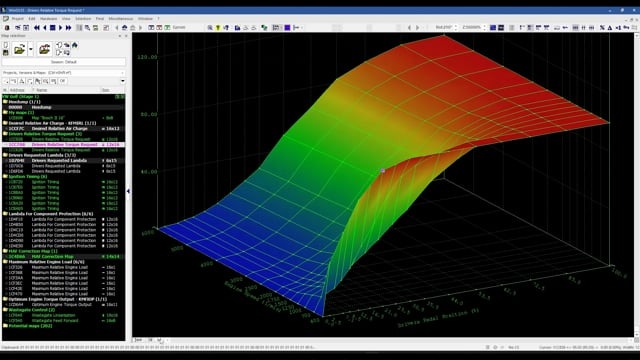
- Identifying Map Shapes: 3D views are essential for recognizing the visual signature of specific maps. For instance, an Optimal Engine Torque map is identified by its unique sloping surface.
- Navigation and Search: 2D views are highly effective for searching through large data dumps to find potential tables such as spark advance, fuel injection, or turbo pressure.
Torque-Based Management Support
Since the Bosch ME7 generation, modern Engine Management Systems (EMS) have moved away from simple air-load measurements to torque-based control.
- The Driver’s Request: In these systems, the accelerator pedal position is treated as a torque request (often found in Driver Wish maps) rather than a simple throttle percentage.
- ECU Coordination: The software must be capable of managing how the ECU calculates external and internal torque requests—such as loads from the air conditioner or alternator—and coordinates them with the transmission control unit (TCU) to improve drivability and shift quality.
DTC Removal Modules
Diagnostic Trouble Codes (DTCs) are generated when the ECU detects a sensor reading outside of a predefined range.
- Custom Performance Solutions: Professional tuning software allows for the permanent deletion of specific codes. This is critical when installing performance exhaust systems or headers, which frequently trigger the P0420 error code (catalytic converter efficiency).
- Emission System Management: DTC removal is also necessary when implementing software solutions for DPF off, EGR off, or AdBlue off, ensuring the “Check Engine” light does not activate after these components are modified or removed for off-road use.
How to Choose the Right Car Tuning Software?
Choosing the right car tuning software requires a balance between the specific vehicle types you service, the ECU brands you encounter, your own technical proficiency, and the hardware you utilize.
Vehicle Type and ECU Brand (EU, US, Asia)
The compatibility of software often aligns with the geographic origin of the vehicle and its Engine Management System (EMS).
- European Vehicles: For brands like BMW, VW, Audi, Mercedes, and Porsche, software like WinOLS is considered the industry standard for experts due to its ability to handle complex Bosch (ME7, ME9, MED17, EDC16, EDC17) and Siemens/Continental ECUs. Swiftec is noted for its high performance with Bosch EDC15, 16, and 17 models, particularly for automated solutions. CMD Flash and B-Flash are also highly effective for European and Korean diesel vehicles.
- Asian and US Vehicles: WinOLS is versatile enough to tune Mitsubishi and Denso ECUs found in cars like the Mazda CX9 or Delphi (MT38, MT86) ECUs in Hyundai and Kia. For heavy-duty US and EU trucks (Volvo, Renault, Kenworth), WinOLS is frequently paired with K-TAG for advanced tasks like AdBlue off on TRW and Continental CM2250 ECUs.
User Skill Level
Software solutions are tiered to cater to both those starting their business and established experts.
- Beginners and Amateurs: ECM Titanium is the ideal choice for those with less experience because it uses a “Driver” system that automatically identifies and categorizes maps for ignition, fuel, and torque into a beautiful graphical interface. Swiftec is also highly recommended for its convenience, as it automates complex remapping steps like DTC removal and DPF/EGR off solutions. Race EVO Standard provides a safe starting point with predefined tables for those who do not want to perform detailed manual editing.
- Professionals and Experts: WinOLS is the top choice for master tuners who require manual control over hexadecimal data. It allows the use of Map Packs (KP), DAMOS/A2L files, and Scripts to automate repetitive tuning tasks and precisely identify every vital engine parameter.
Integrating Software, Hardware, and Knowledge
Choosing software cannot be done in isolation from hardware and technical education.
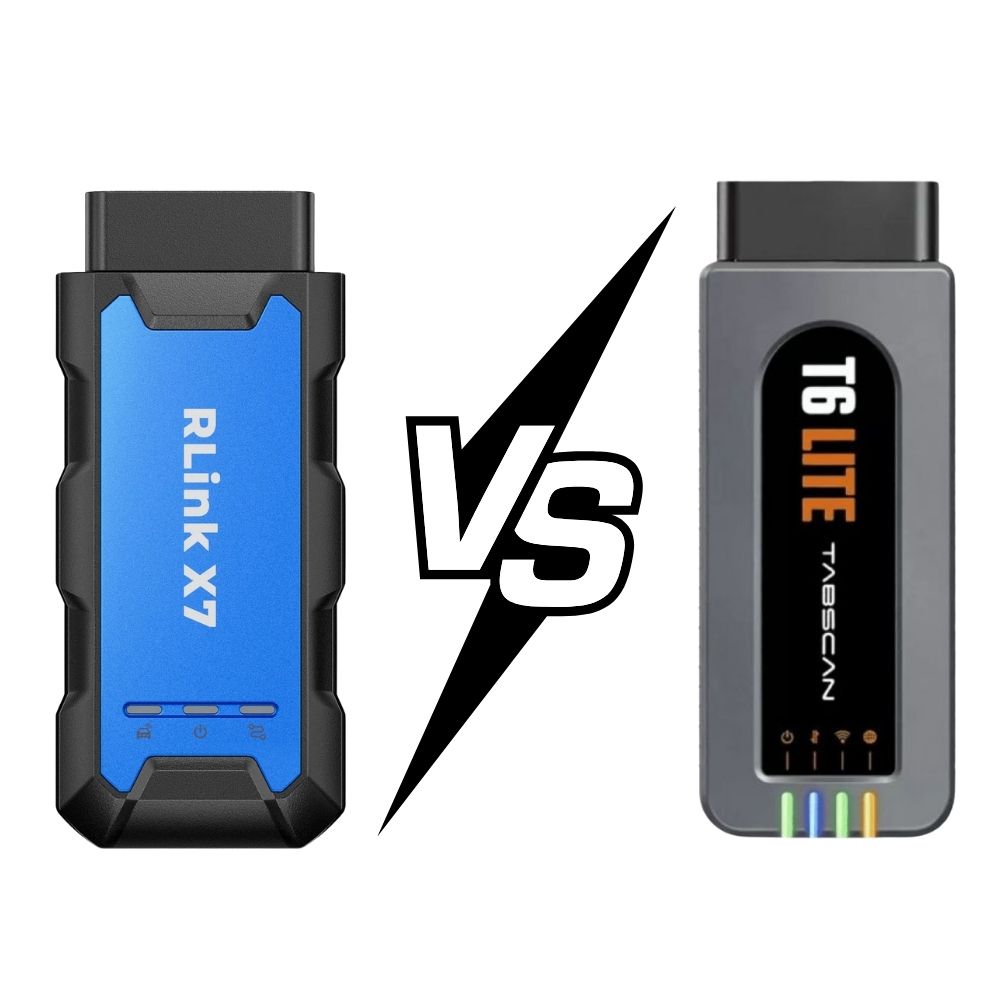
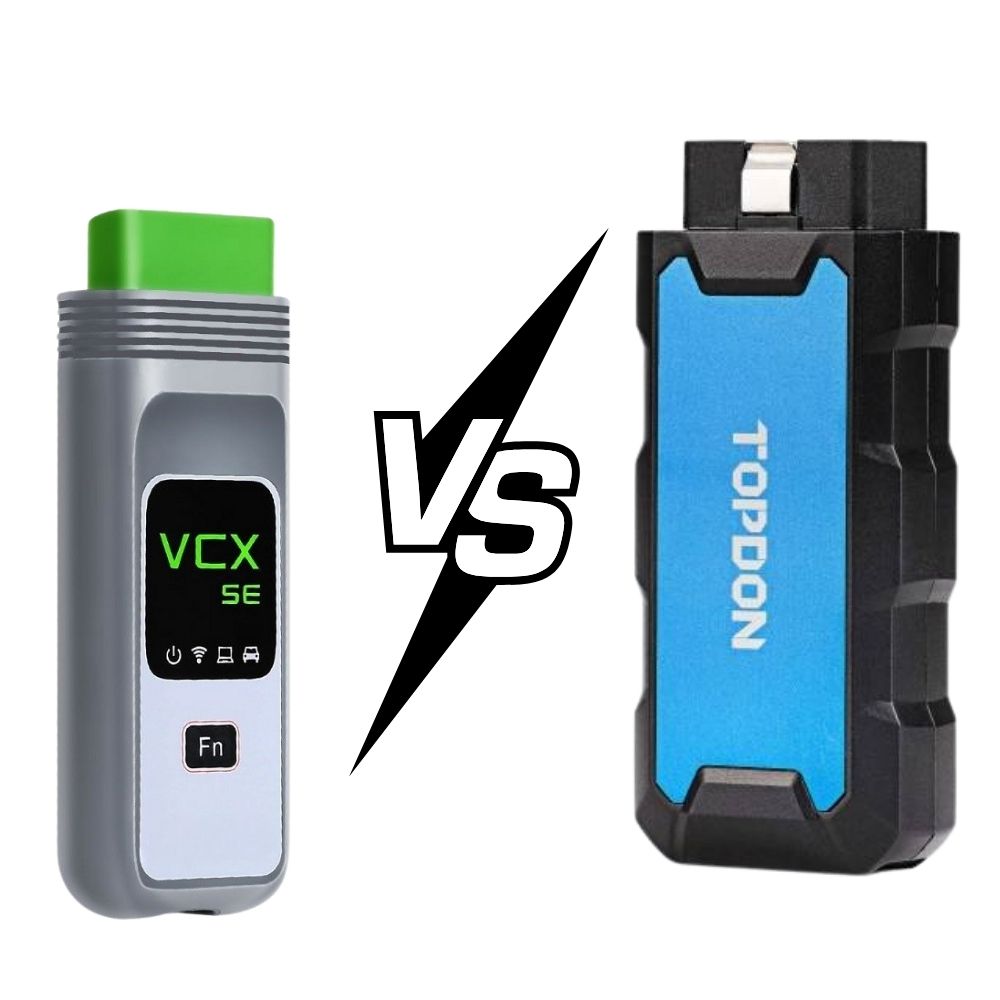
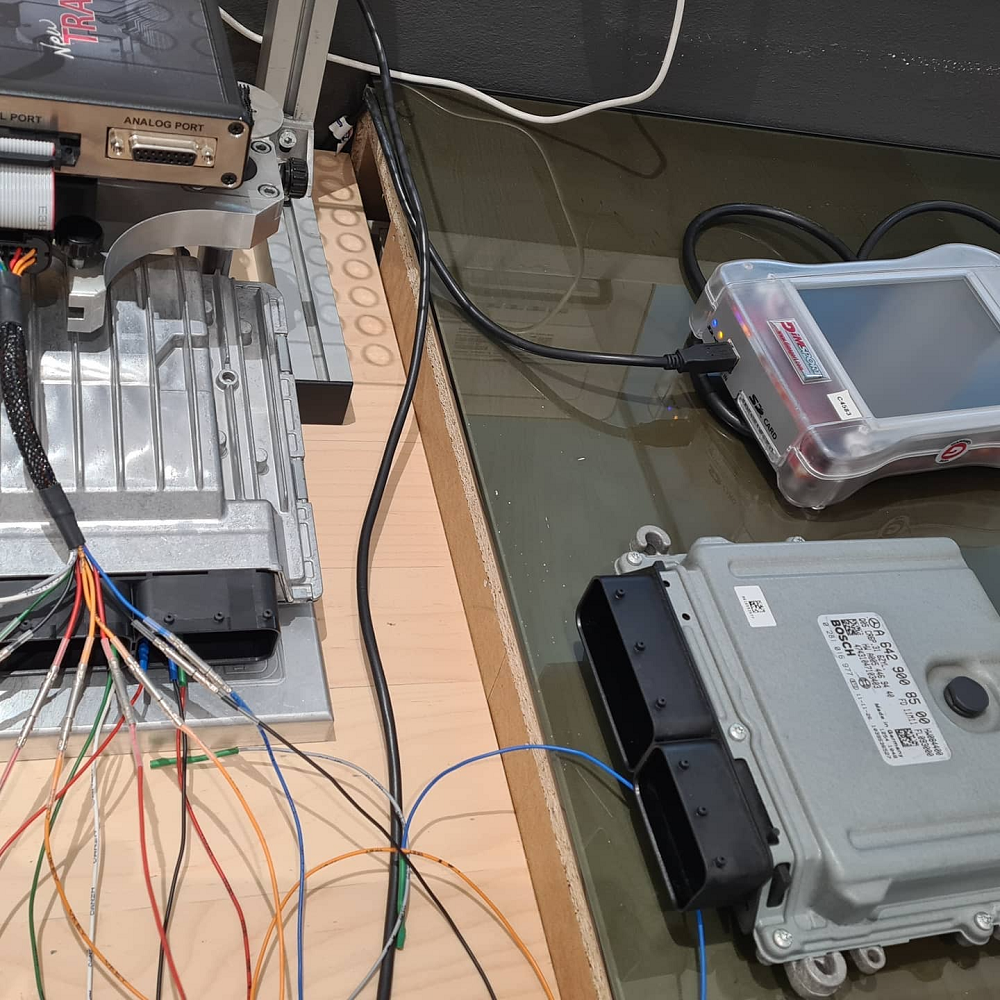
- Hardware Synergy: Software requires a hardware programmer to read and write ECU files. KESS V2 is the preferred tool for OBD2 programming, while K-TAG is essential for Bench, Boot, or JTAG modes when an ECU cannot be read through the diagnostic port. Tools like Autotuner are favored by those who want a high-speed tool without an annual subscription.
- Master vs. Slave Tools: You must decide between a Master tool, which allows you to read/write unencrypted files for manual editing, and a Slave tool, which is more affordable but locks you to a specific Master tuner for modified files.
- Foundational Knowledge: Regardless of the software choice, success depends on a scientific understanding of torque-based engine management, Air-Fuel Ratios (AFR), and spark advance mechanisms.
- Safety Equipment: Professional tuning requires a battery stabilizer (maintaining 12V-12.5V minimum) to ensure the ECU does not fail (brick) during the writing process.
Ultimately, the best choice is often a combination of WinOLS for high-level technical mastery and automated tools like Swiftec or ECM Titanium for rapid, day-to-day workshop tasks.
Learn ECU Tuning the Right Way with AutoExplain
To learn ECU tuning the “right way” involves moving beyond trial-and-error and adopting a scientific approach to engine management. Based on the comprehensive training materials provided in the sources, here is a guide to professional tuning services, learning materials, and genuine equipment.
Professional ECU Tuning Services
A professional tuning operation requires more than just file modification; it involves a full ecosystem of technical support and precision:
- Custom File Service: Professionals can send a stock file to a technical team and receive a custom-written, modified file within 1 hour. This ensures that the tuning is safe and scientifically validated.
- Live Expert Support: Advanced training programs offer one-on-one sessions with experienced teachers to help navigate specific or difficult ECUs.
- Specialized Solutions: Professional services include complex tasks such as ECU Cloning (transferring VIN and immobilizer data to a new unit) and “off” solutions for DPF, EGR, and AdBlue systems for off-road or racing applications.
If you don’t want to risk editing files yourself, our professional ECU tuning service can handle everything safely and efficiently.
WinOLS Learning Materials & ECU Logic
Mastering WinOLS is the industry standard for those who want to understand the binary logic of an engine. The right training materials cover
- Torque-Based Management: Modern ECUs (like Bosch ME7, MED17, and EDC17) operate on a mathematical model where the accelerator pedal represents a “torque request”. You must learn how the ECU coordinates this request with fuel quantity, ignition timing, and boost pressure.
- Map Identification: Learning to use Map Packs (KP files) and DAMOS/A2L files is essential for precisely identifying manufacturer-level parameters for spark advance, fuel injection, and turbo pressure.
- Scientific Modification: You will learn the exact factors and offsets needed to convert raw hexadecimal data into real-world units like RPM, Bar, or Degrees.
Genuine ECU Tuning Equipment
Using genuine hardware is critical for vehicle safety and avoiding “bricked” ECUs. The sources recommend several industry leaders:
- Alientech Tools: KESS V2 is the primary tool for easy OBD2 reading and writing, while K-TAG is the essential tool for Bench and Boot mode work, allowing direct access to the microprocessor and EPROM.
- High-Speed Alternatives: Autotuner is highlighted for its fast reading speeds (utilizing Cortex M3 processors) and no annual subscription fees.
- Professional Diagnostic Hardware: Tools like B-Flash serve as a diagnostic scanner, data logger, and CAN bus analyzer in one.
- Safety Gear: A Battery Stabilizer is mandatory to maintain a constant voltage (minimum 12.5V) during the programming process to prevent ECU failure.
Practical Guidance (No Empty Theory)
The most effective way to learn is through hands-on application on real-world vehicle platforms. The sources provide detailed procedures for:
- Step-by-Step Reflashing: From connecting the tool to performing a Virtual Read (VR) and writing the final tune back to the car.
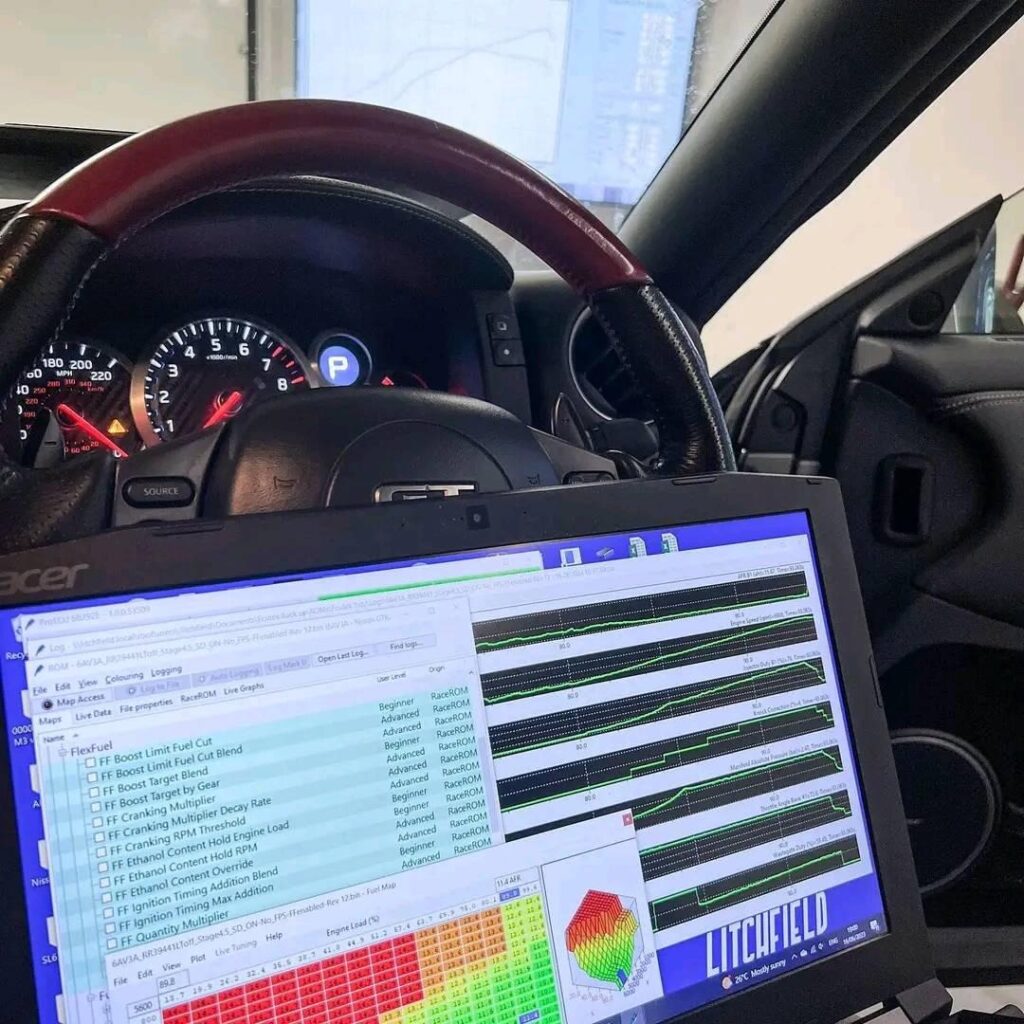
- Real-World Examples: Training modules utilize specific data from the VW Passat (EDC17), Audi TT (ME7), Mercedes SLS (ME9), Mazda CX9 (Mitsubishi), and Nissan GTR (Hitachi).
- Safety Protocols: Instruction includes practical safety steps, such as disconnecting the negative battery pole, discharging static electricity, and following specific manual instructions for each vehicle model.
- Validation: Practical guidance emphasizes testing the car on a dynamometer (dyno) to measure actual gains and monitoring the Air-Fuel Ratio (AFR) using wideband sensors to ensure engine longevity.
Car tuning software is the backbone of modern ECU remapping. From reading and writing ECUs to advanced map editing and performance calibration, the right software determines not only the results you achieve, but also how safely and consistently you work. As vehicle technology becomes more complex, relying on outdated tools or cracked software is no longer viable for anyone serious about tuning.
If you need help choosing the right car tuning software, tools, or learning resources, contact AutoExplain via WhatsApp: +1 (936) 289 6695 for fast, expert support and clear guidance tailored to your needs.
You might be interested in: Top 5 Car Tuning Tools Every Pro Should Have in 2026