
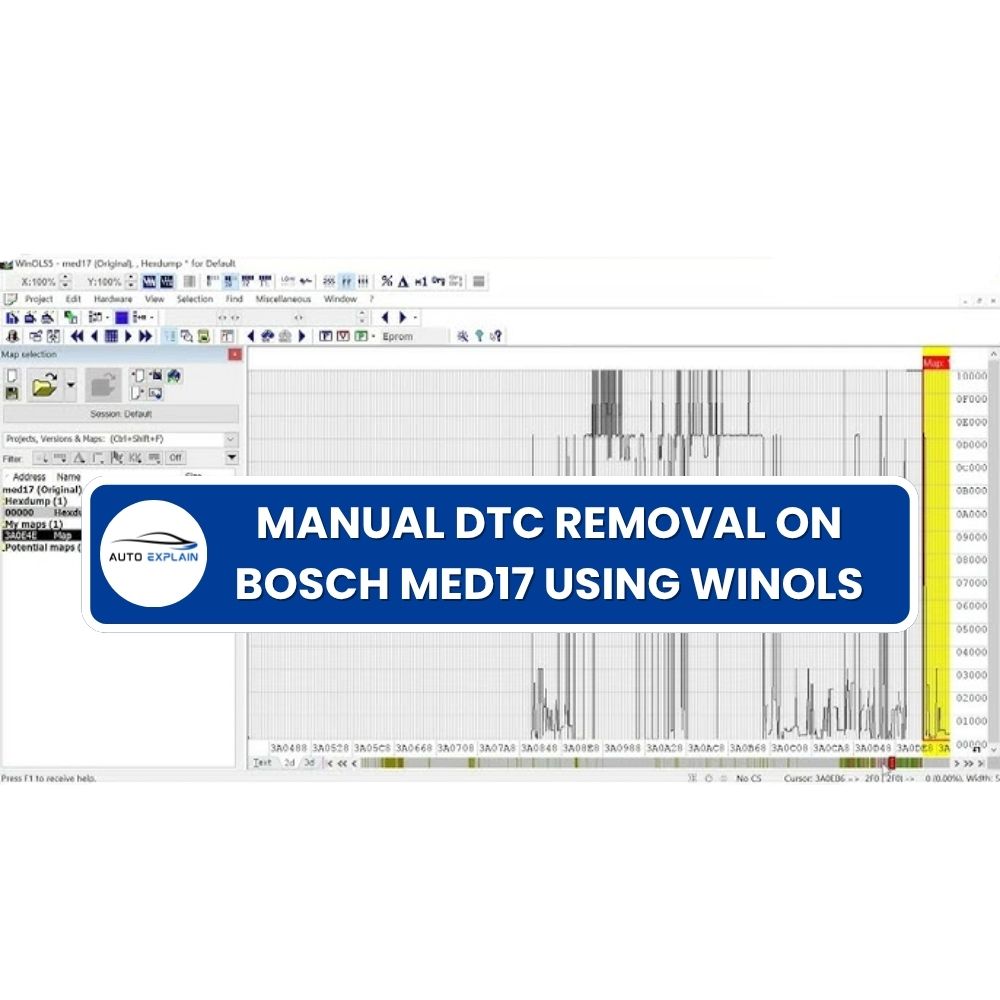
DTC removal (DTC Off) on Bosch MED17 ECUs is often handled using automated tools. While these tools offer convenience, they also come with significant risks—especially when they incorrectly modify or even erase entire DTC tables.
To avoid these issues, professional tuners rely on manual editing in WinOLS. Instead of blindly disabling fault codes, this approach focuses on understanding how the ECU actually manages errors through internal structures like DFC Masks and DFES assignments.
This article provides a clear breakdown of these core elements and explains how to control DTC behavior precisely—whether to store a fault, ignore it, or disable the Check Engine Light (MIL).
Automated DTC removal tools typically work by scanning patterns and applying bulk changes. While fast, they often lack context and can lead to:
Manual editing allows you to:
In Bosch MED17 ECUs, fault handling follows a structured process:
Unlike older systems, MED17 separates this logic across multiple internal layers, making it more complex—but also more flexible when properly understood.
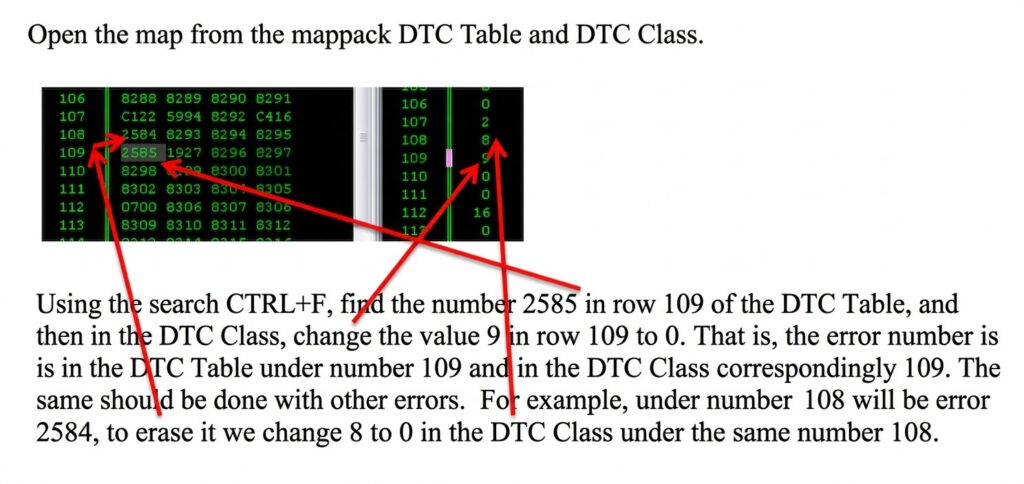
To manually control DTC behavior, you need to understand three key components:
DFC OFF Mask
This mask is used to completely disable a DTC.
This is the most critical control layer.
It determines:
This defines how the ECU classifies a fault.
By adjusting Mask values, you can define exactly how the ECU reacts:
Store DTC + MIL OFF
Store DTC + MIL ON
No Store + MIL OFF
There is no universal standard for DTC Mask values in MED17 ECUs.
This makes manual analysis essential
A simplified workflow for manual DTC removal:
Manual DTC removal on Bosch MED17 is not just about disabling fault codes—it’s about understanding and controlling how the ECU handles errors. By mastering DFC and DFES Mask structures in WinOLS, you can safely manage DTC behavior, avoid common pitfalls, and handle even complex fault scenarios with precision.
If you need expert support, tools, or training in ECU tuning, AutoExplain is here to help you go deeper into professional-level workflows. Contact us via WhatsApp +1 (936) 289 6695 for support quickly!