
Programming the Central Gateway Control Unit Mercedes W211 is an essential step whenever the CGW is replaced, repaired, or experiencing communication issues. The CGW acts as the core gateway that links all CAN networks on the vehicle, so incorrect or outdated coding can cause multiple system faults. In this guide, AutoExplain provides a clear and practical method to perform offline programming with DAS, helping technicians restore proper communication, apply correct coding data, and ensure the W211 operates smoothly after module replacement.
The Central Gateway Control Unit (CGW) on the Mercedes W211 is the core communication hub that connects and manages data exchange between all vehicle networks, including CAN-B, CAN-C, CAN-D, and diagnostic functions. It acts as the central “router” that allows different control modules—such as the instrument cluster, engine ECU, transmission, SRS, ESP, and body control units—to communicate reliably with each other.
On the W211 platform, the CGW also handles:
When the CGW is faulty, replaced, or not programmed correctly, the vehicle may experience issues such as loss of module communication, failed diagnostics, incorrect coding, or complete inability to start certain systems. This is why proper programming and coding of the Central Gateway is essential after replacement or software update.
Programming the Central Gateway Control Unit (CGW) on a Mercedes is essential because the CGW acts as the main communication hub that links all vehicle networks and control modules. When the CGW is replaced, upgraded, or its software becomes corrupted, the system must be reprogrammed to ensure proper communication, security authorization, and compatibility with the rest of the vehicle.
You need to program the CGW when:
If the CGW is not programmed correctly, the vehicle may suffer from:
Programming the CGW ensures that all modules communicate properly and the vehicle operates safely and correctly.
Before starting the offline programming process, make sure you have the correct tools and software to ensure a stable and successful update. Offline programming requires proper communication hardware, compatible Xentry/DAS software, and a reliable power source to avoid interruption during flashing.
You will need:
Software
Hardware
Mercedes-Benz Diagnostic Interface:
With the correct setup ready, you can now proceed to the offline programming steps.
Connect your diagnostic interface to the vehicle’s OBD port and to the PC running Xentry, then perform a vehicle scan.
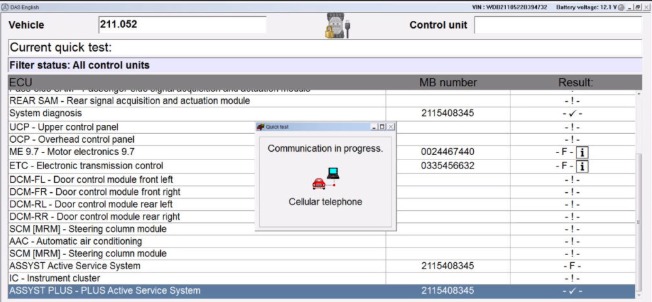
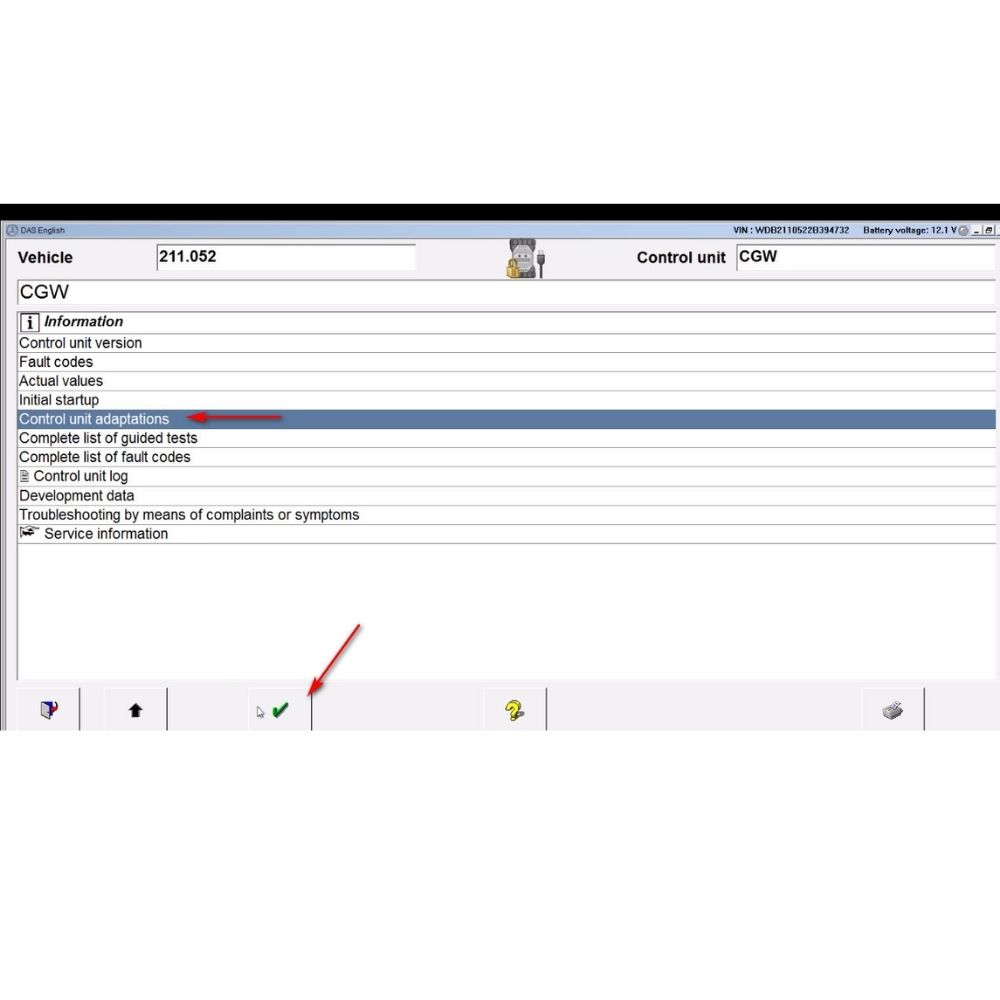
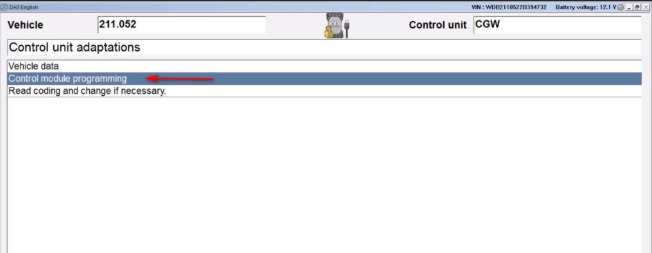
In the control unit list, choose “Gateway”, then select “Control Module Programming.”
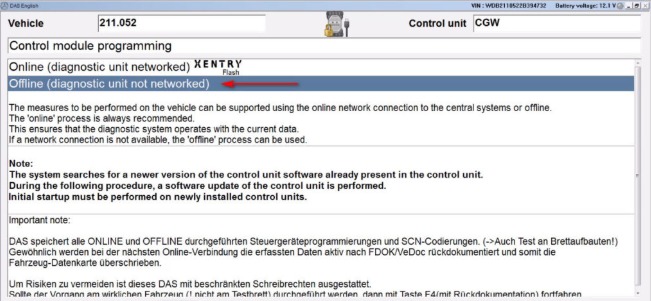
Select the option “Offline (Diagnostic unit networked)” to proceed with offline programming.
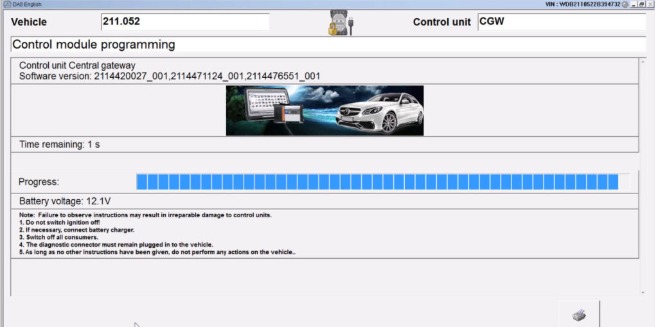
Follow the on-screen Xentry/DAS instructions to perform offline programming for the CGW module. Wait until the process completes without interruption.
AutoExplain provides professional remote programming, coding, and diagnostic support for Mercedes vehicles, helping technicians complete complex tasks even if you are not fully familiar with Xentry/DAS or advanced programming procedures. You will receive free consultation to choose the correct tools and equipment based on your vehicle type and your specific technical needs.
In addition to remote support, AutoExplain also offers a comprehensive technical guidebook: Master Mercedes Diagnostic with Xentry/DAS – WIS – Starfinder
This guidebook includes:
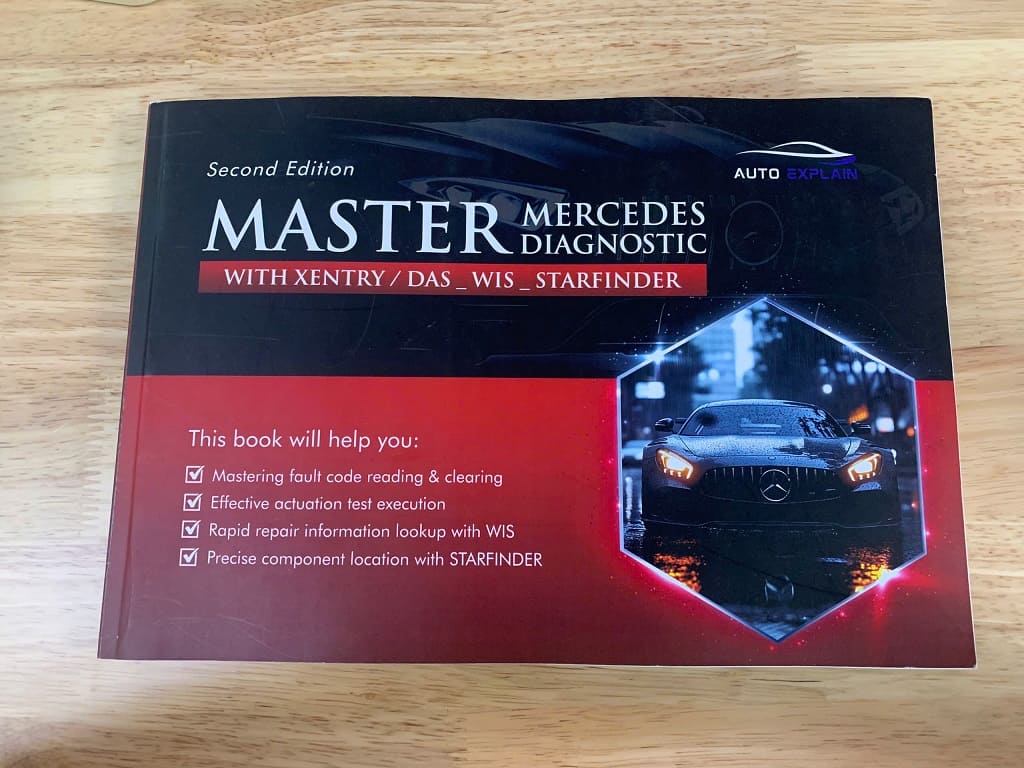
If you need assistance selecting the right diagnostic tools, require remote programming support, or want to get this guidebook for deeper study, contact AutoExplain via WhatsApp: +1 (936) 289 6695 or through the live chat available on our website.
Programming the Central Gateway Control Unit (CGW) on a Mercedes W211 is a critical step to ensure proper communication between all vehicle modules, especially after replacement or major electrical repairs. When performed correctly with Xentry/DAS in offline mode, the process restores full network functionality, eliminates communication faults, and guarantees stable vehicle operation.
Always verify you have the correct tools, stable voltage, and proper firmware before starting the procedure. If you are unsure or need expert guidance, AutoExplain is ready to assist you with professional remote programming support and detailed diagnostic resources.