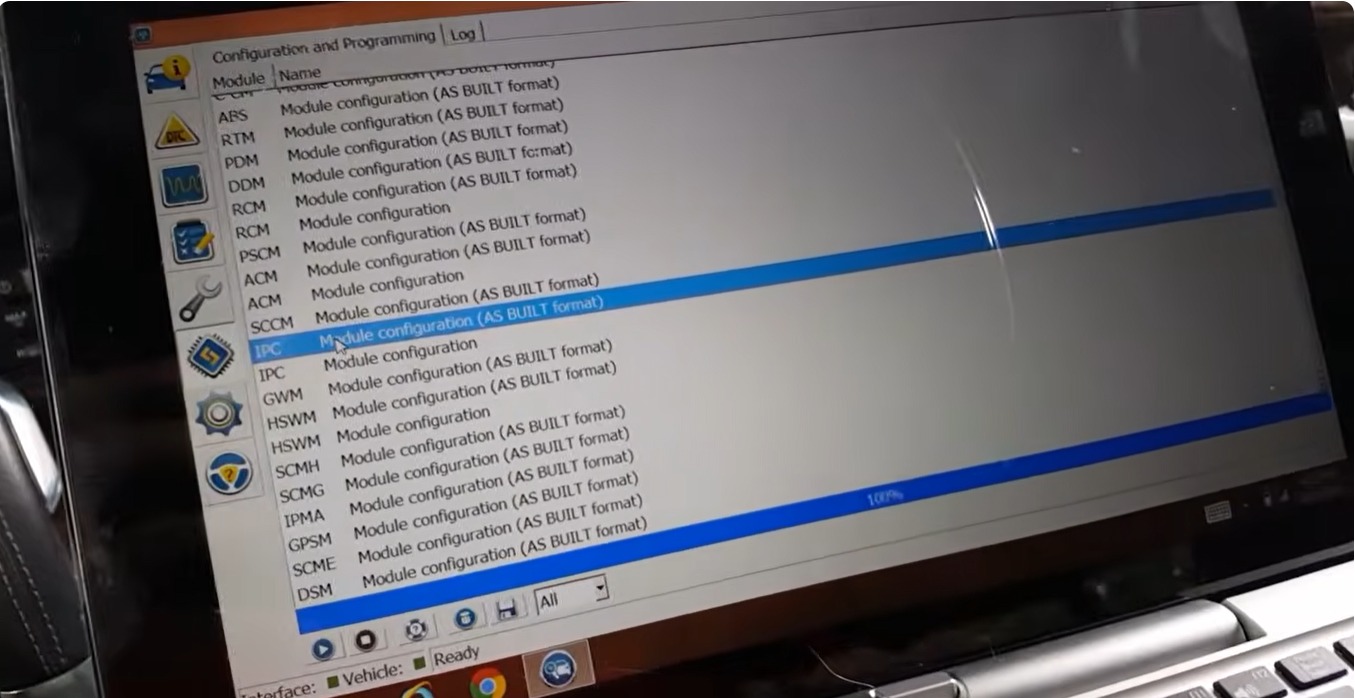

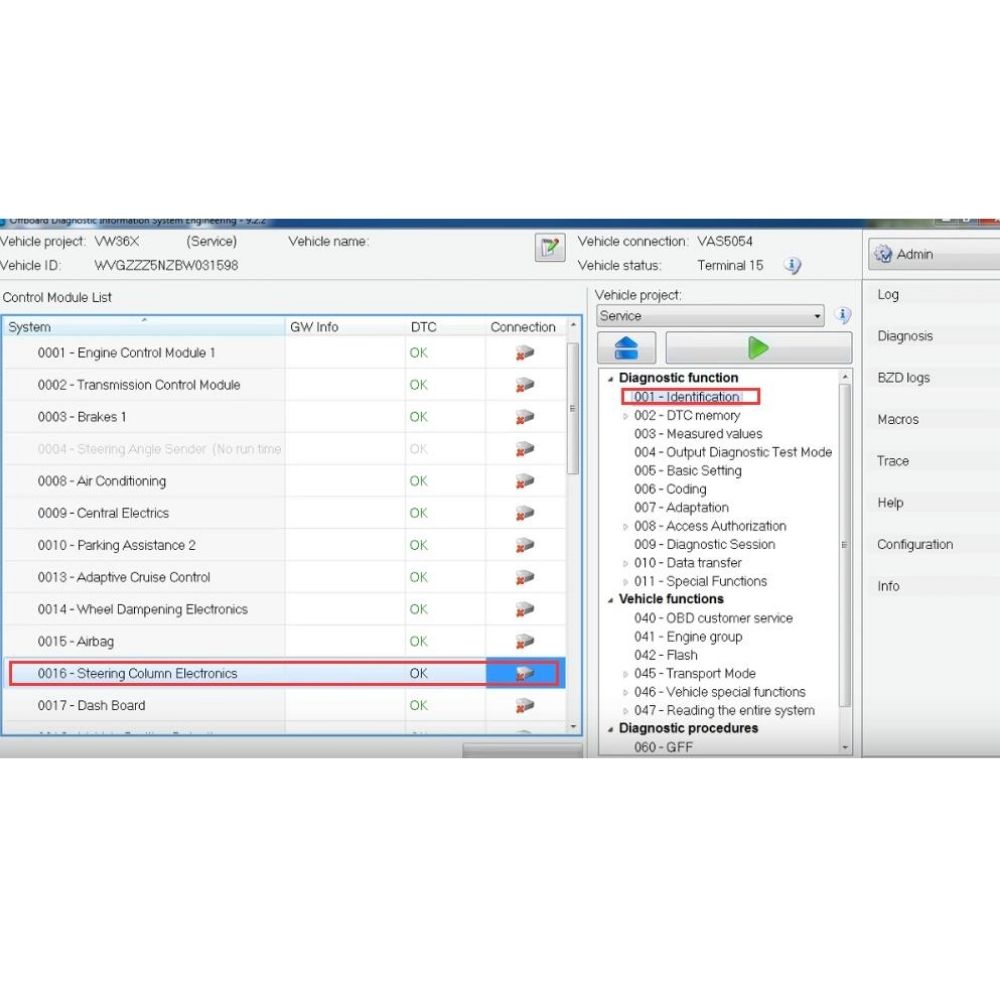
The Steering Column Electronics (SCE) module plays a crucial role in Volkswagen vehicles, managing essential functions such as the steering lock, ignition switch, and multifunction steering wheel controls. When this module experiences software faults, compatibility issues, or requires an update after replacement, performing a flash on the VW Steering Column Electronics becomes necessary.
This guide from AutoExplain will show you how to flash the Steering Column Electronic module on VW using ODIS Engineering, ensuring the firmware is correctly updated and fully synchronized with the vehicle’s other control units. Whether you are fixing errors or restoring functionality, this step-by-step guide will help you perform the process safely and effectively.
The Steering Column Electronics (SCE) Module — also known in some brands as SZL (BMW), SCM, SCSM, or Steering Column Control Module — is an electronic unit located in the steering column that manages and coordinates all electrical functions related to the steering wheel and its attached components.
It acts as the central brain for many driver-interface functions, ensuring the commands you make via stalks, buttons, and steering sensors are correctly interpreted and sent to other control modules in the vehicle.
Hardware Requirements
Software Requirements
Connect your VCI (VAS 6154 / VAS 5054A / J2534) to the vehicle and PC.
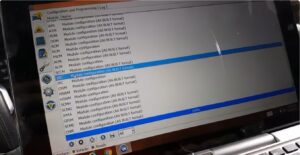
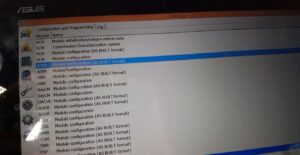
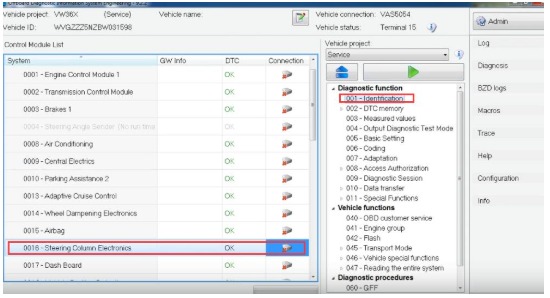
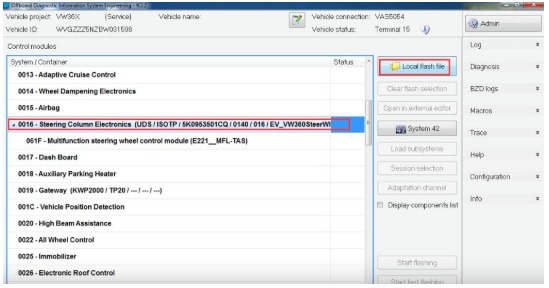
Open ODIS Engineering, then navigate to:
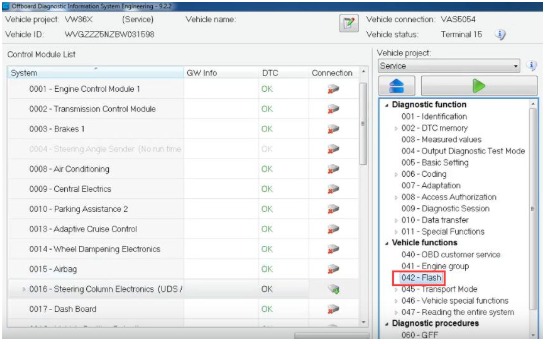
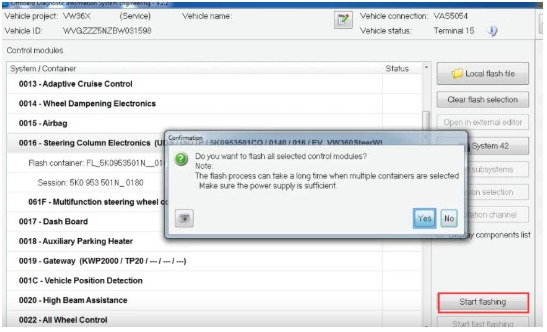
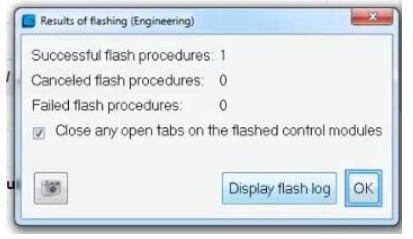
Click “042 Flash” to begin the flashing process.
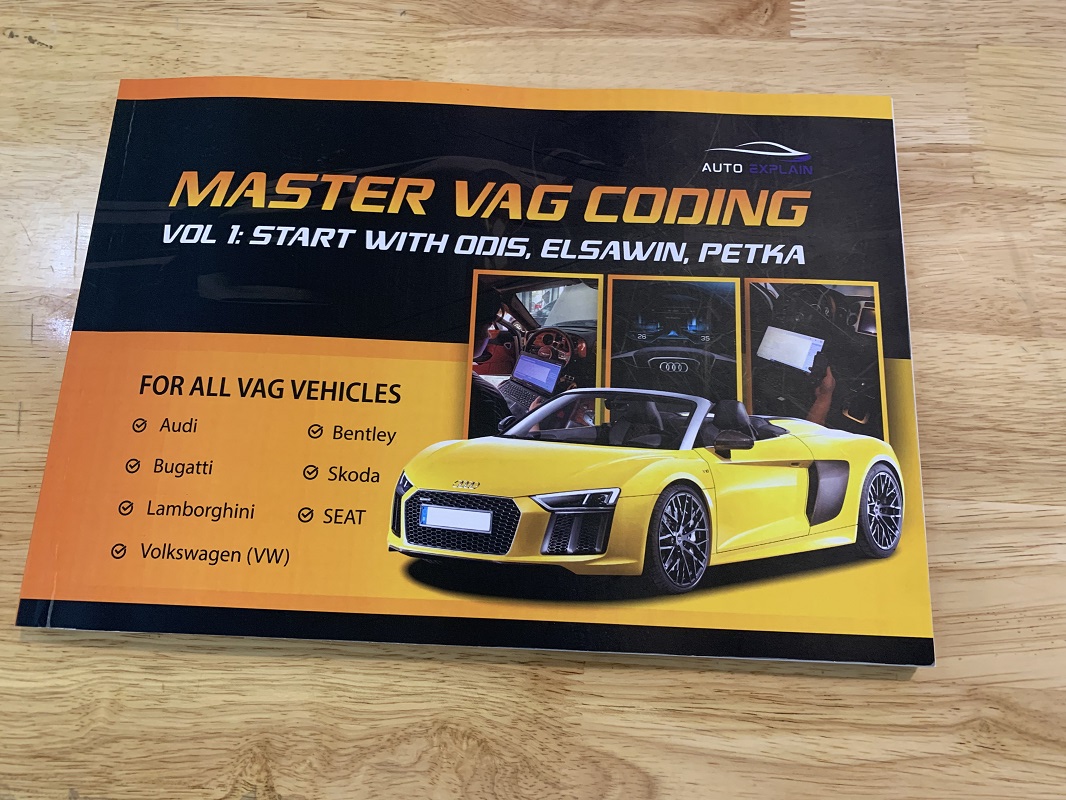
For those looking to deepen their technical knowledge, our book Master VAG Coding offers comprehensive guidance on using ODIS Service and ODIS Engineering, covering everything from basic ECU coding to practical examples. It’s an ideal resource for technicians and enthusiasts aiming to master VAG coding procedures safely and efficiently. See more this book at: Master VAG Coding
Flashing the Steering Column Electronics (SCE) module on Volkswagen vehicles using ODIS Engineering ensures optimal performance and resolves potential software issues. Following the correct steps, using the appropriate firmware file, and maintaining a stable power supply are critical for a safe and successful flash. Proper execution not only enhances system functionality but also helps maintain vehicle reliability and prevents ECU errors.
For professional guidance or remote support with SCE flashing, AutoExplain’s experienced technicians are available to assist via WhatsApp: +1 (936) 289 6695 or live chat on our website.
At AutoExplain, our team of skilled technicians has years of experience in VAG vehicle diagnostics, coding, and programming, providing reliable guidance and support for all your automotive electronic needs.
You may be interested in: How to Find Original Audi Parameter Files Using ODIS Engineering